Control digit configuration

Hi!
I have a barcode like that at the bottom of a label with these characteristics, and I have to put a number on the top of the label with only a part of the barcode number.
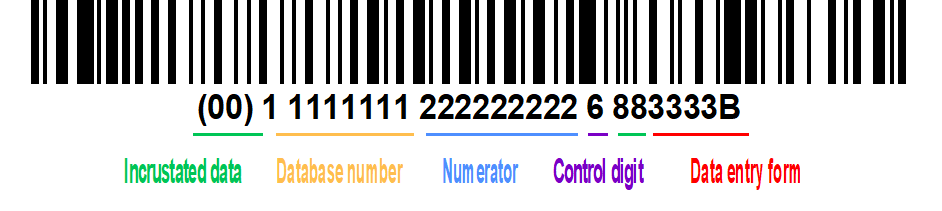
At the moment, it appears like this, but I only want the database number, the numerator and the control digit. I don't know why that incrusted data have to appear on first in order to appear the control digit.

Basically, I have it this way now on the barcode:
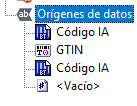
And that way on the number above:
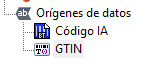
If I eliminate the first incrusted data, the control digit disappears…
How could I put the number correctly? only with the database number, followed by the numerator and the at the end the control digit?
Thank you so much in advance!
-
It sounds like you want to add a standard Code-28 barcode and not a GS1-128 variant as with the latter you must include the Application Identifiers (the 00 in your sample) and other control characters, where applicable.
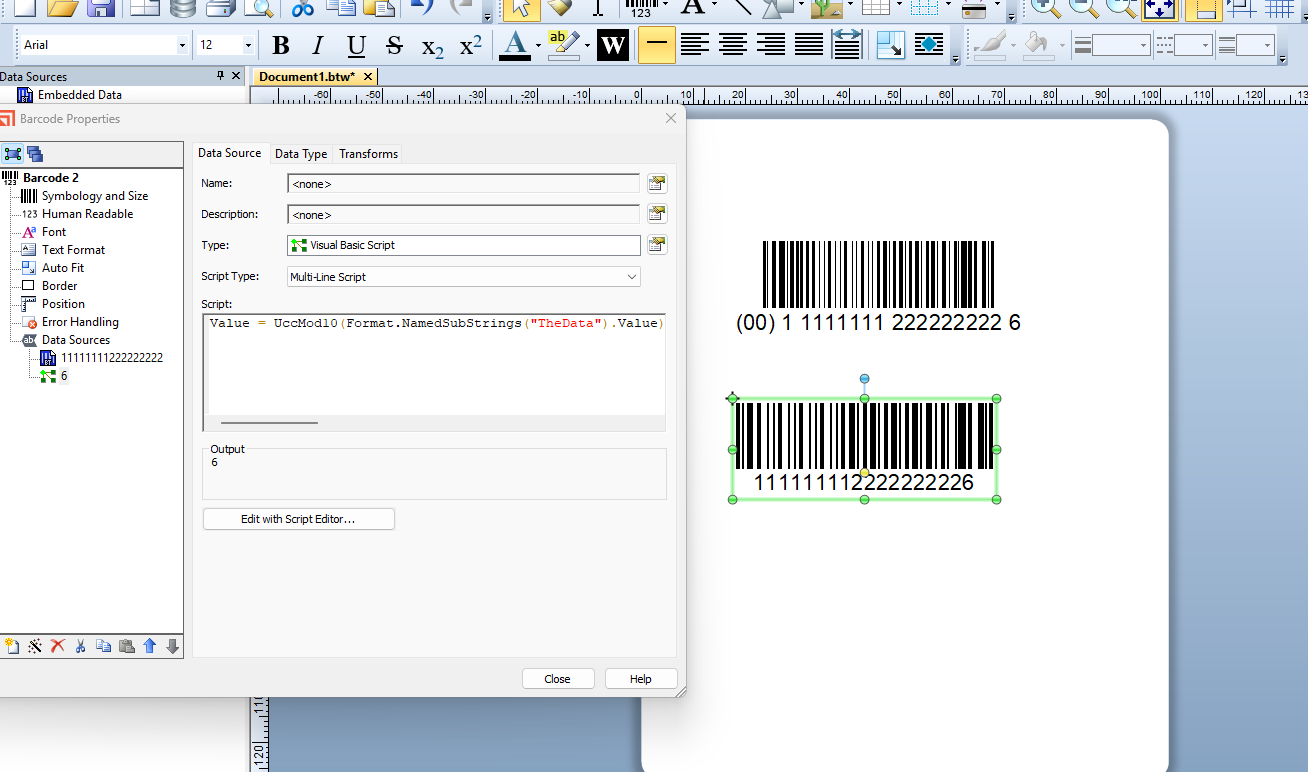
However, with the Code-128 you a UCC-Mod10 check digit will not be added as standard and so if you need this then you would need to use VB to create it. In the image below I named the rest of the barcode data “TheDate” so I could reference it more easily in the VB
 0
0 -
Hi Peter!
Thank you for your answer.
We have a problem. The number that I show you it's not a fix number, it's a variable number because it has a numerator and also a control digit that changes every time that we print one label. So in the images you have showed me, it appears a fix number and then the control digit. How can we do it but with a variable number (in a text field) that already has a space in the label as a barcode field?
Another question, what we have to put in “The Data” ? We tried it with the variable number that already is in the label as another field but it didn't work.
Thank you so much again
0 -
You would have to make each substring separate and then adjust the VB to & each together before applying the UXXMod10 calculation, so something like this
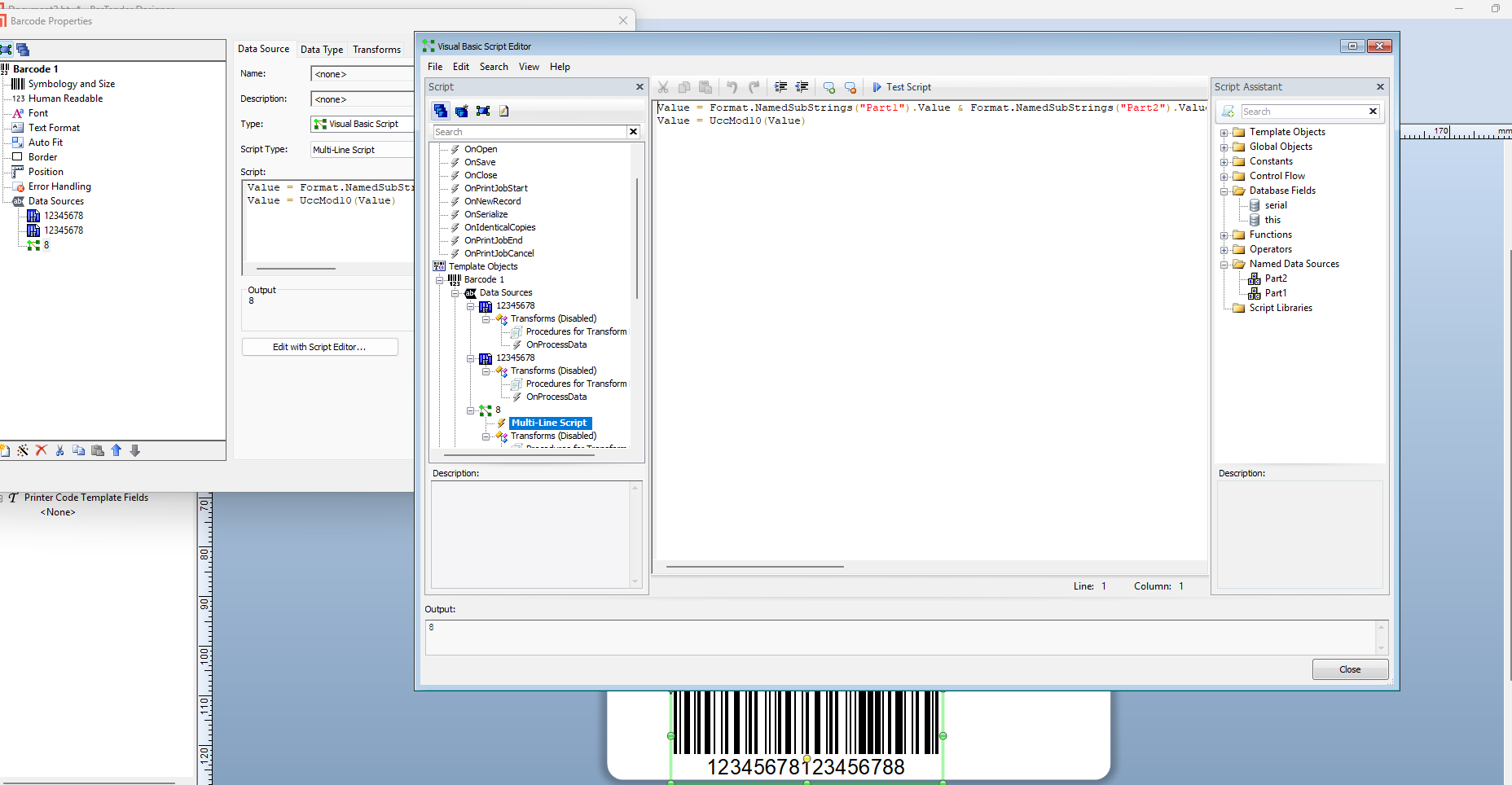 0
0

請登入寫評論。
評論
3 條評論