Is there any kind of overflow capability in BarTender?

Is there any kind of feature that allows me to select fields on my label and have them roll over to the subsequent label print?
I ask this because I am constantly having to resize an existing template to fit client label dimensions. With that being said, we can not always fit all the needed information on one label print so we move data to fill the second label with whatever could not fit on the first. This is time-consuming and tedious so I wanted to see if anyone was aware of a workaround for a problem like this as I am not very well versed in BarTender.
Thanks a ton!
-
Hello Thomas,
Welcome to the BarTender Community Forums!
Have you tried using the Auto Fit feature under the Text Properties menu? If you use Normal Wrapped text objects, you could use the Auto Fit dialog to specify how much space the text box should take up on the label, this should automatically resize the label as needed as displayed on the pictures below:
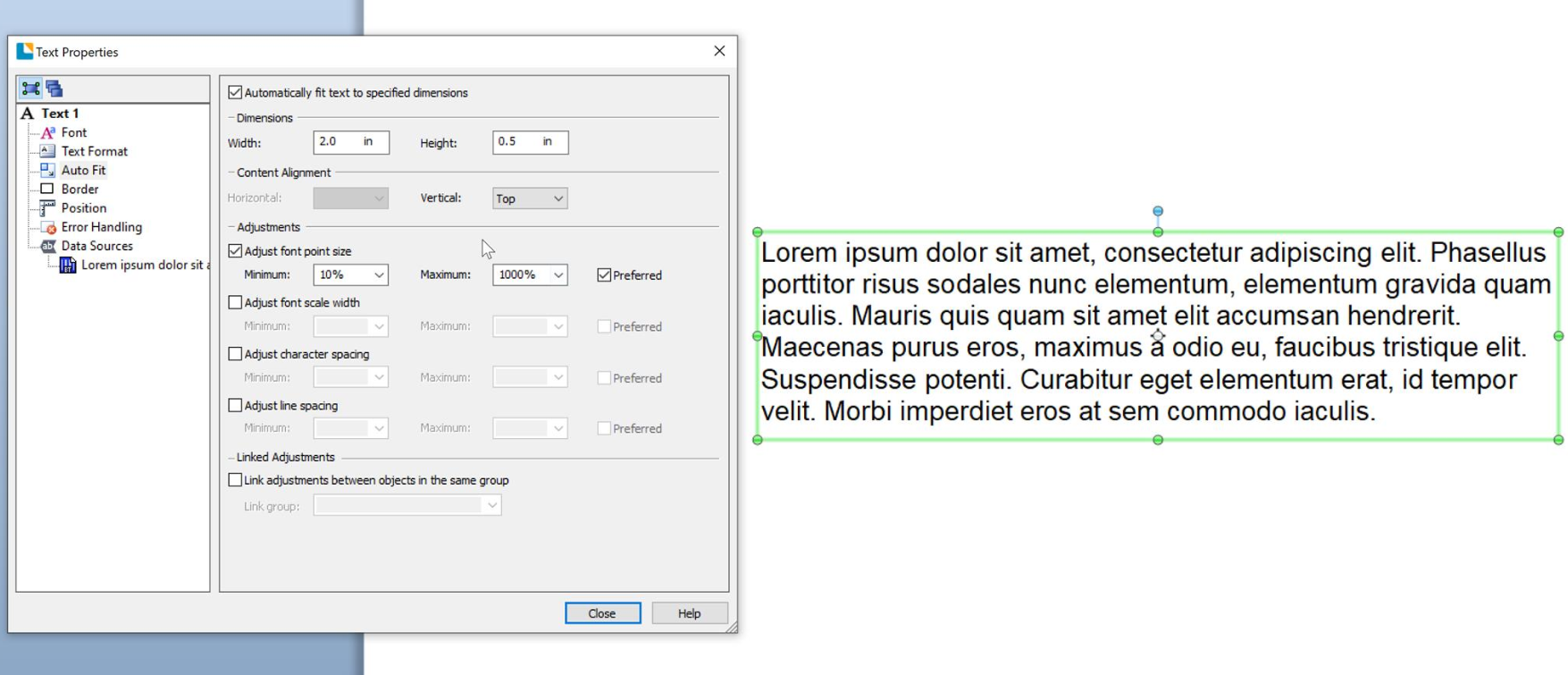
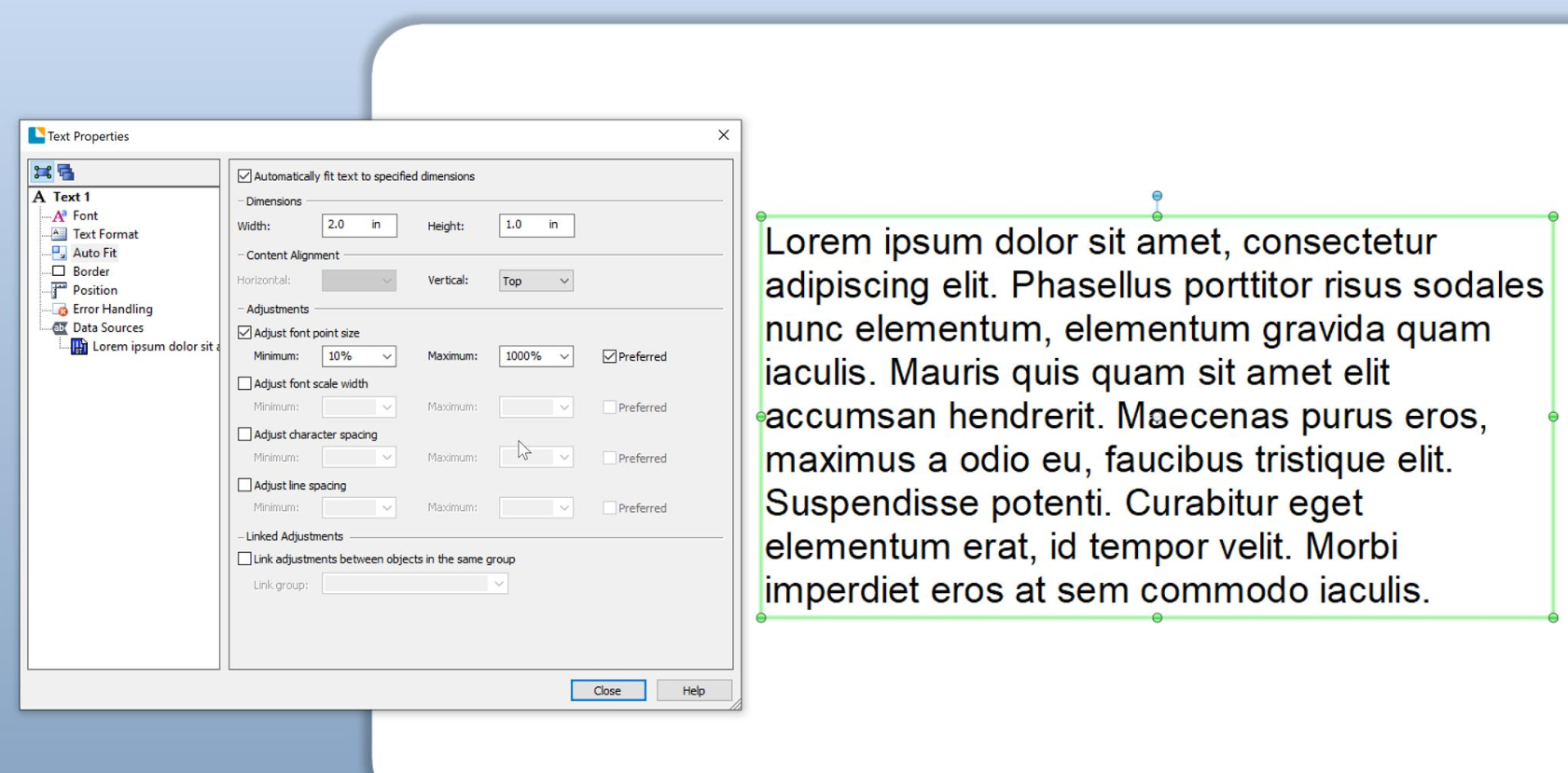
I hope this works for you! If not, please feel free to reach us again!0 -
Hey Xabier,
I really appreciate you taking the time to reply and provide me a solution to my issue. However, in many instances, when using the autofit feature, it forces a lot of information to a limited area. Are there any other alternatives to the function that you provided that will allow the fields to stay the same size, but roll over fields that will not fit onto the following label?
Thanks a ton,
TJ
0

Please sign in to leave a comment.
Comments
2 comments