Custom Message to user conditional print with excel

Hello, anyone can help me with it ?
is it possible create a custom message to user, when for example one date is < then 6 months ?
for example, he get the months in the excel table, sum with system date and if the final date is smaller then 6 monts, show custom message to user? for example "Atention, the date is small then 6 months"
Any idea, thank you..
-
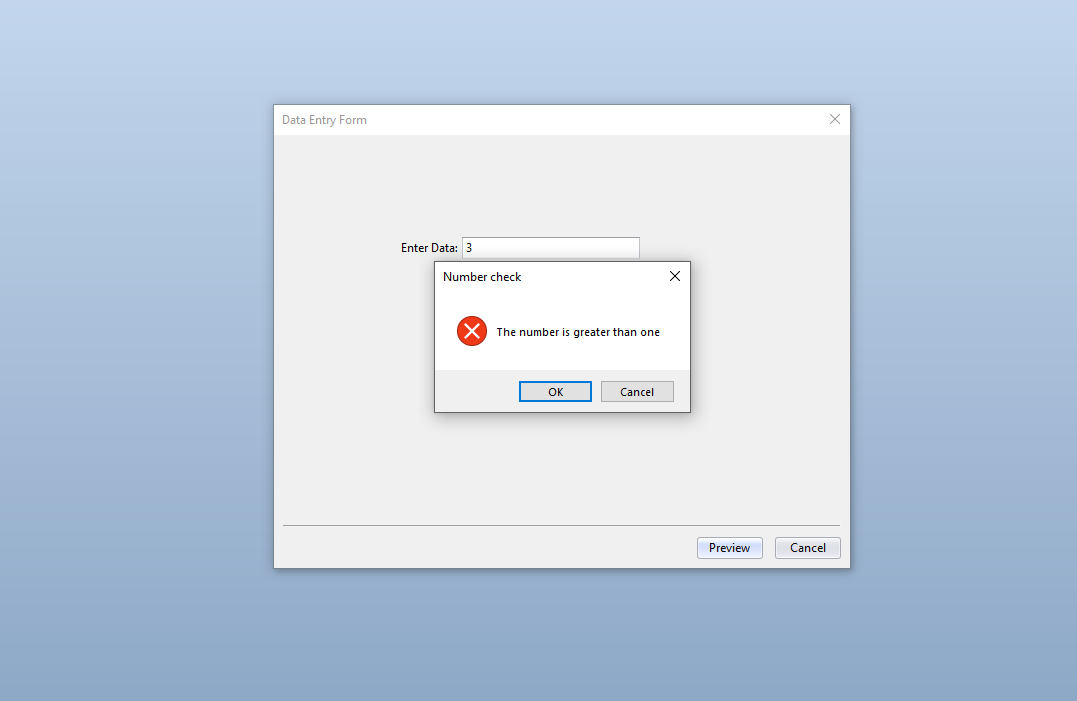
You can create custom warnings and messages via the Actions on a Data Entry Form such as this, which displays the warning if the number entered is greater than 1. You can access the Actions via the Properties of the Data Entry Form
 0
0 -
The way I would achieve this would be:
- Add a Named Field on the label template but outside of the printing area.
- Add a Data Entry Form that if set to appear only when your database field value equals 1. On that Form I would add only the Text Input Box that is linked to the field above and I would then configure to display the Message Box Action (see below)
- Back on the Template I would add a Visual Basic > Event Controlled > OnPostPrompt Script field. The Data Type of this field would be set to Date. The VB routine would be linked to database field and the Named Field from 1 above. This would add either 12 months to today's date if the database contained a 1 or whatever value in months was entered in the Input box in 2.
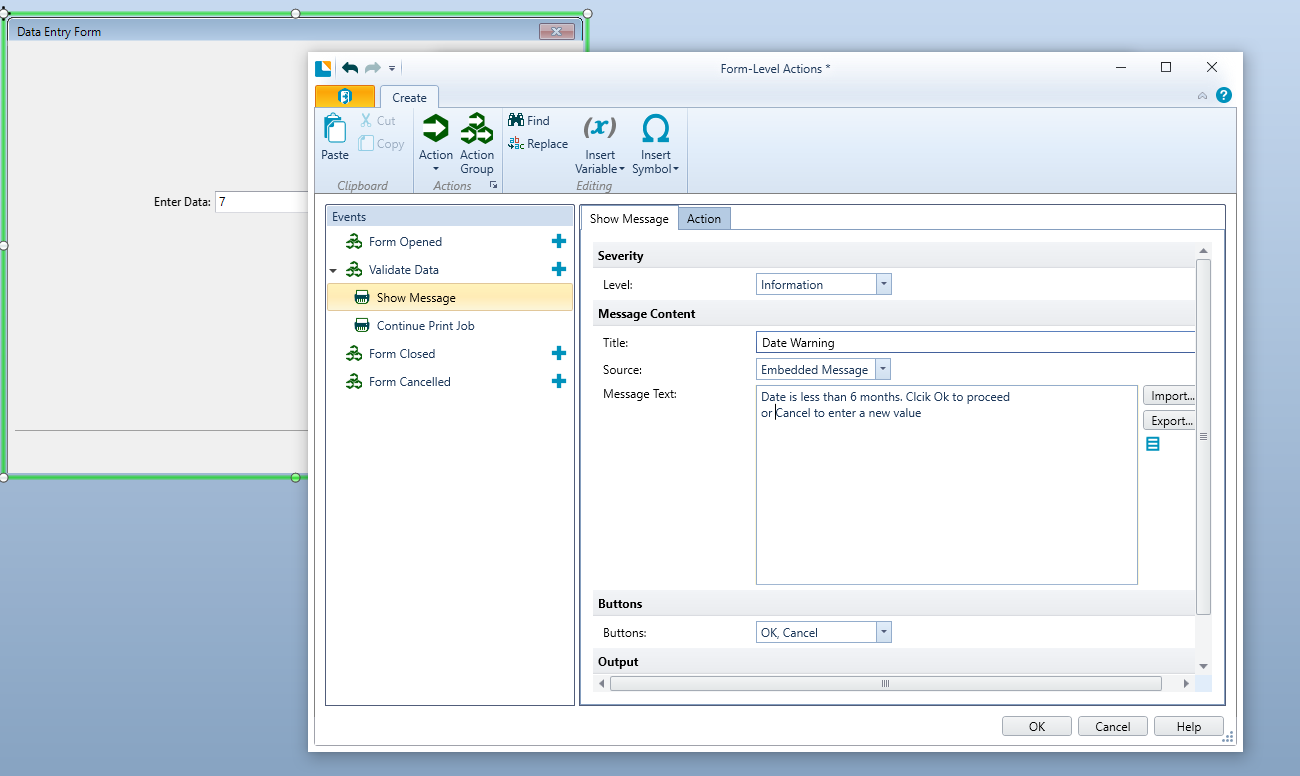
(MonthEntered was the name of the field I used in 1, above)
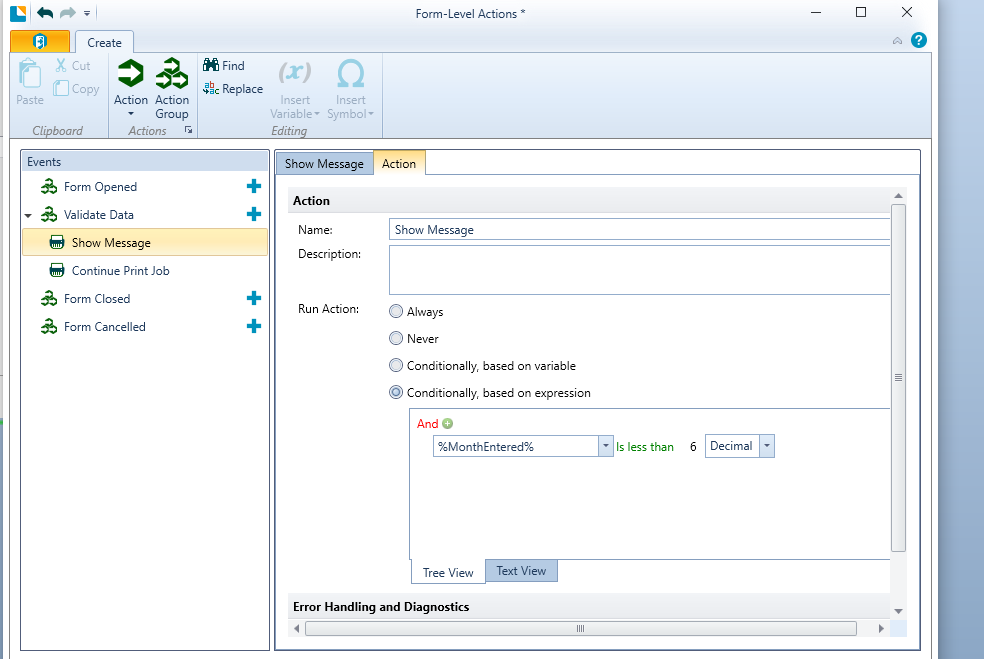 0
0 -
Look: the field Enter data = 7 in form is a date datapicker and not a number.
not quatity months but filed date for example: 04/20/2022
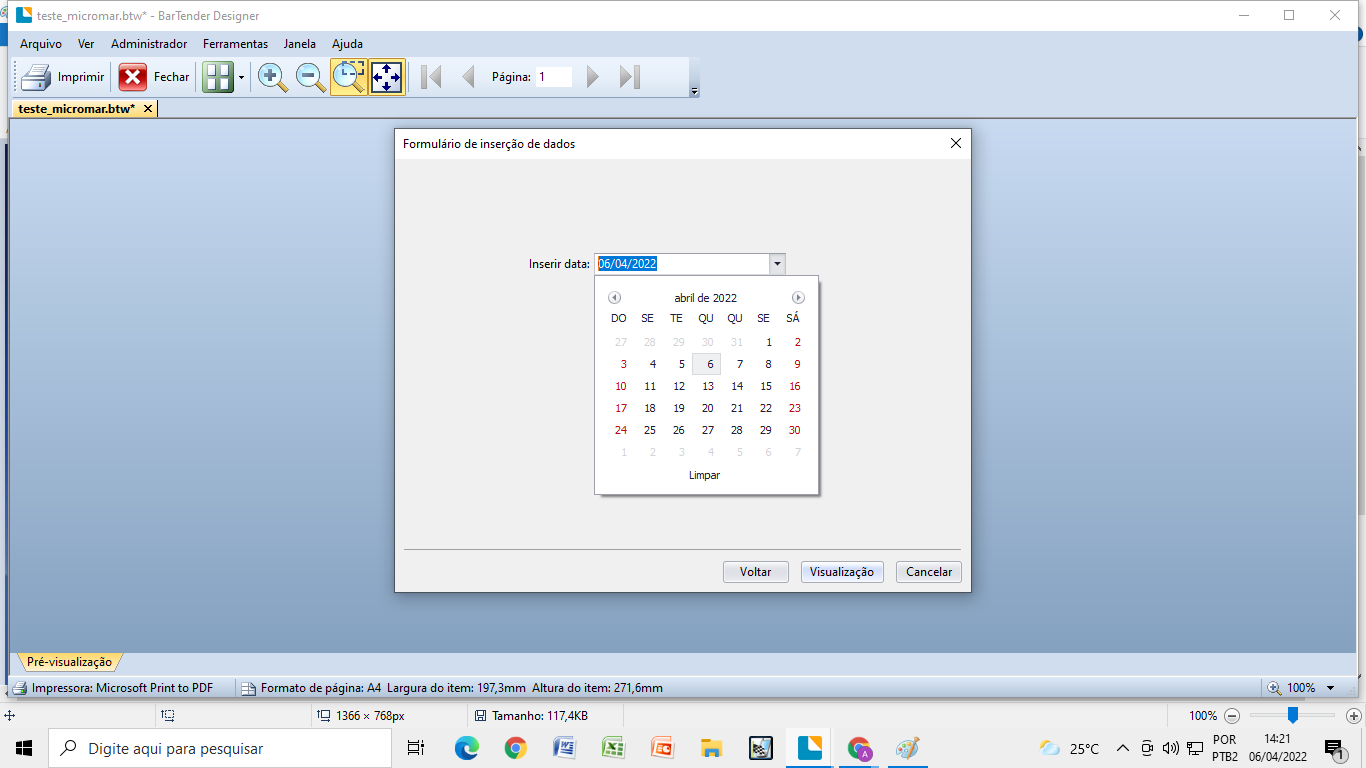
if the user select 04/20/2022 it show the message
0

Please sign in to leave a comment.
Comments
3 comments