Print Station Settings are not saving

I have tried several time to change 2 settings in 2016 Print Station:
1) the text that users see in the banner at the top of the App window,
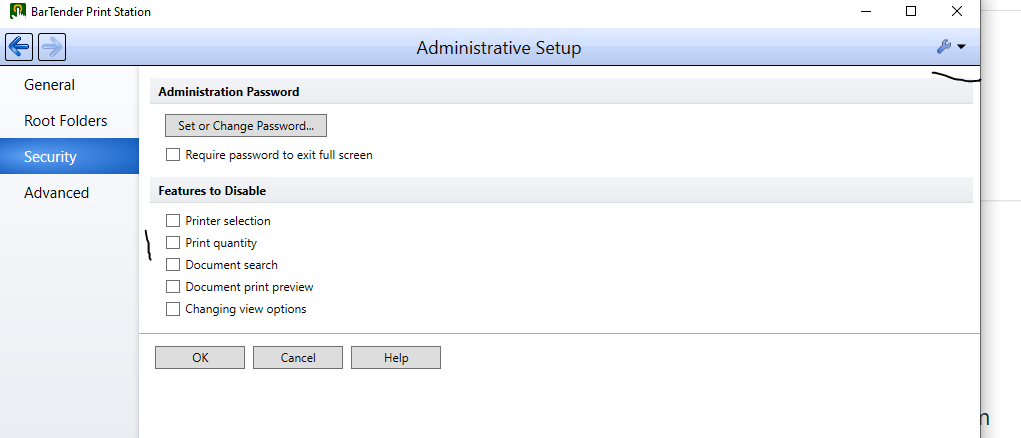
2) to hide the Print Quantity when a document loads.
I have admin access to do this. I have tried to save settings to C:\Program data as welll as the BT system Database. But for some reason these settings fail to save.
-
Not sure what you mean by the banner you are referring to, can you include an image showing what you mean.
I no longer have access to 2016 but I think these options are the same, and if so in the Print Station > Admin Tools there is an option on the Security tab to disable the print quantity option. Also if the label is saved linked to the correct printer then if you choose the Immediately Print option from the General screen then Print Station will then skip the Print Dialogue screen in which the users can change both the ptinter and number of labels.
 0
0

Please sign in to leave a comment.
Comments
1 comment