Database Fields not showing during print preivew

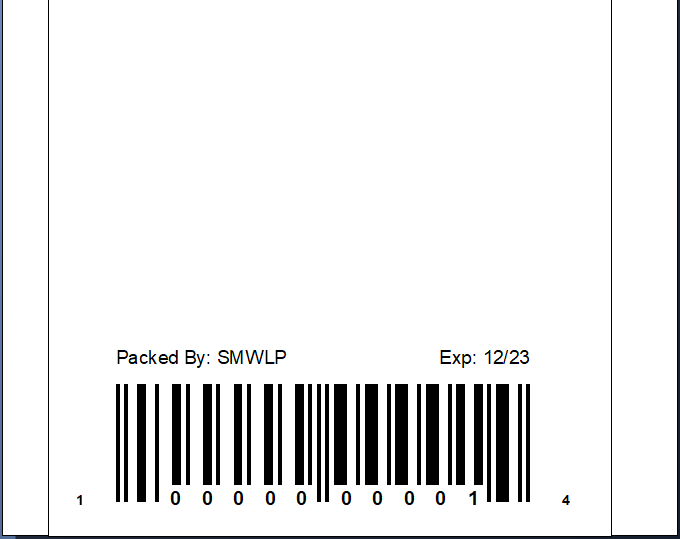
I can see that the database is connected and the fields are populating as expected. However, they do not show up during Print or Print Preview. See pictures.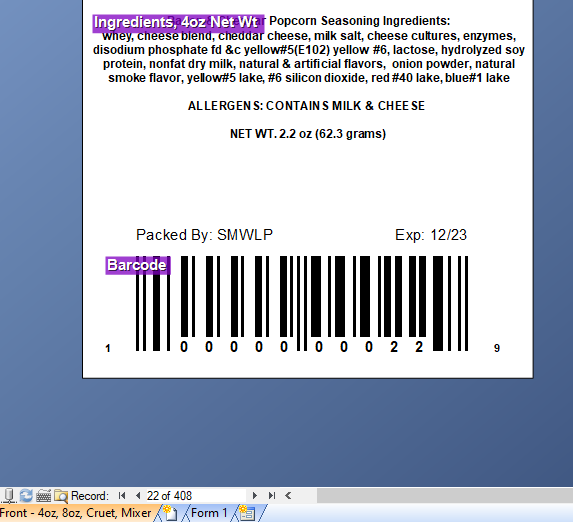
0
-
How is the ingredients field added to the label (Multi-line text object, Word Processor object etc)?
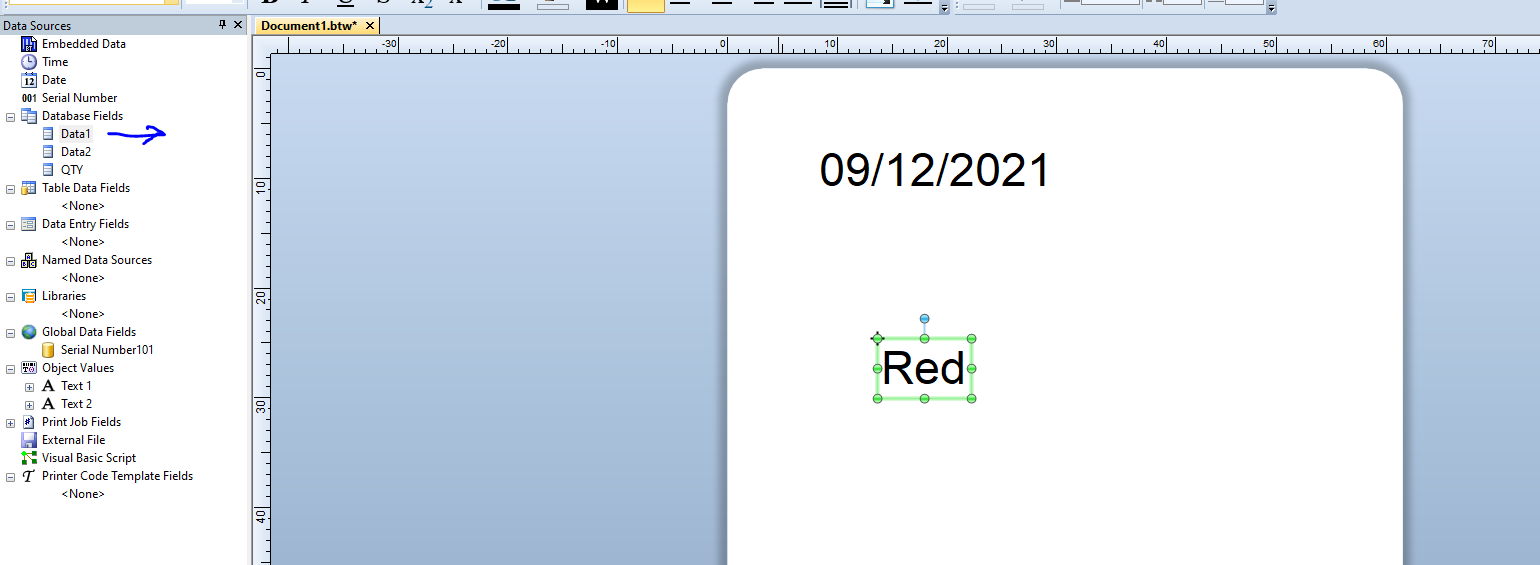
Try dragging a copy of the ingredients field back on to the label, it will just be added as a plain single line text filed, and then try a preview to see if that appears (or part of it as most will be off the edge of the label)
 0
0 -
I figured it out. While you can set the record in the BarTender workspace area, this is not at all related to the current Print record. You have to specify the Print record upon printing or print preview.
0


Please sign in to leave a comment.
Comments
2 comments