Question about printing labels with external data

Hi everyone,
I’m trying to understand the best way to handle external data when creating labels in BarTender. Geometry dash APK
My main question is: what is the recommended approach when the data source contains fields that may sometimes be empty or unavailable? I would like the label to continue printing correctly without showing blank or broken fields.
Are there any recommended settings or practices for handling this situation in BarTender?
Thanks in advance for any advice.
-
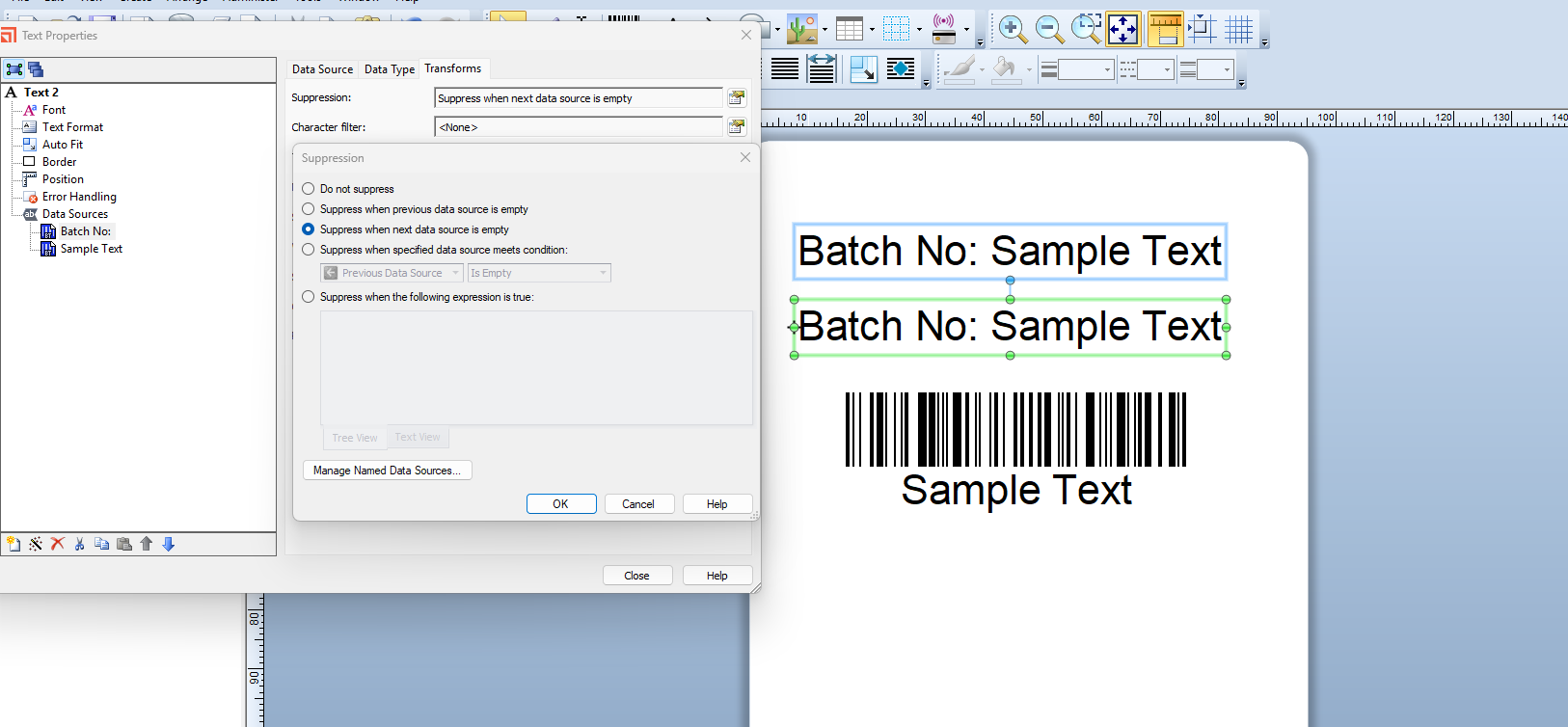
Have you tired using the Transforms>Suppression option?
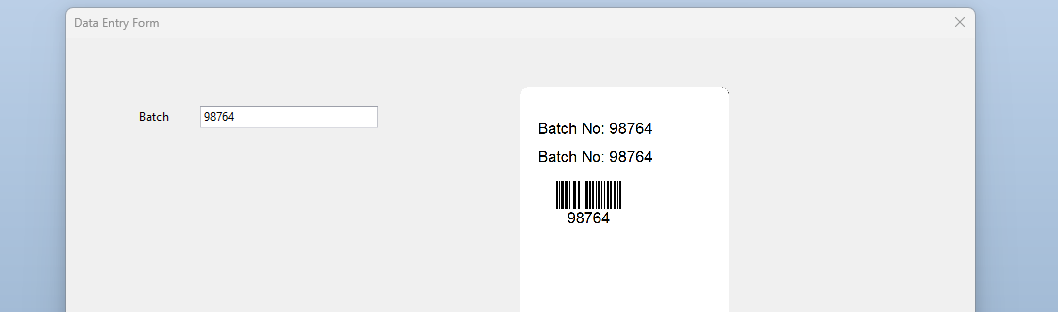
For this sample label, all three label objects are shared to the same manual input source but the tag/label element of the 2nd text field has had suppression (next substing empty) enabled
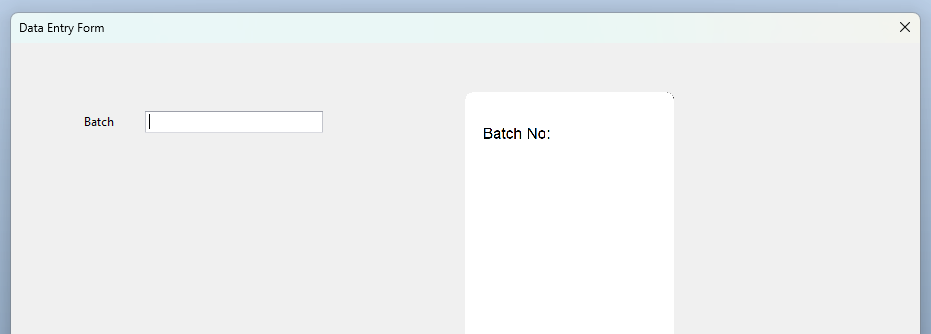
On the Data Entry screen this can be seen on the Preview of Template image added to the form
 0
0

Please sign in to leave a comment.
Comments
1 comment