Creating one print job for each label template without labels overlapping

I am trying to print two unique labels from the same BarTender file on two different sides of an assay plate (i.e. one template on one side, and the second template on the second side). I would like to connect the Database to two different columns within the same Excel (which I have been able to do), but every time the label prints, it prints both templates (on two separate labels) but the labels are physically stacked on one another.
Our BarTender is configured with the eGecko2, so I am trying to make it label the South side of the plate with a human readable barcode, and the West side with a barcode and its matching text underneath. Currently, it is putting one copy of the stacked labels on the South side and an identical stack of labels on the West side. I have a BarTender file that consists of both of these templates, but I keep running into the issue mentioned above.
-
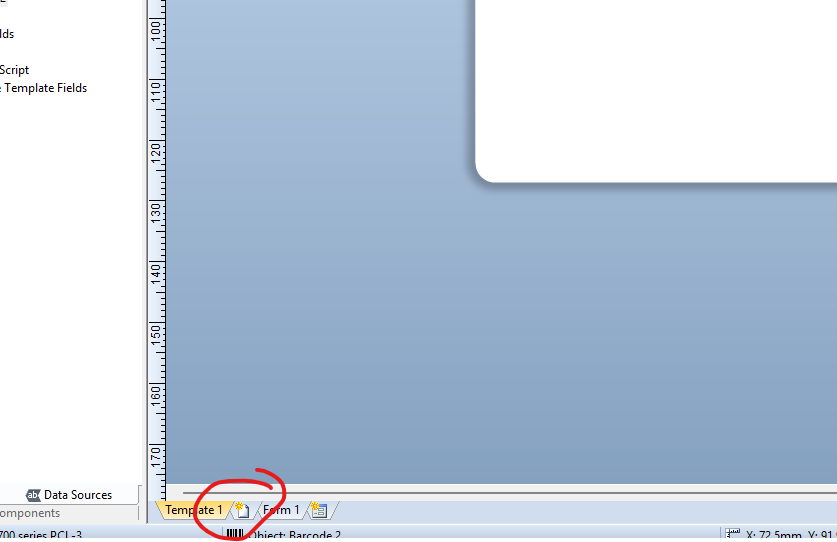
Have you added a second template so that they print one after the other from the same print job?
 1
1 -
Peter Thane Yes, a second template was added but both labels are printing in the same job (one of per label) with no pause in between prints (just long enough for the egecko to move to the next label).
1 -
Can you reference each side of the device separately, or is there a print on bot sides option in the driver etc?
0

Please sign in to leave a comment.
Comments
3 comments