License Increase

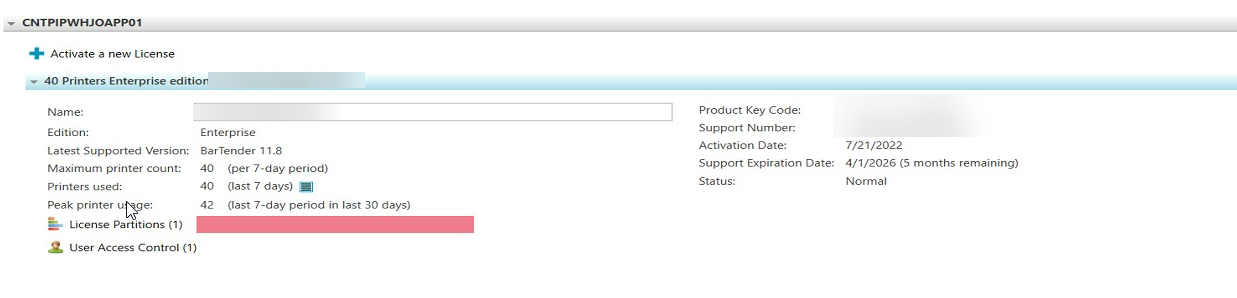
we just received a new Bartender license key to increase from 40 to 50 printers. But when I look at the Support key on page 1 and 2 of the document they are both the same. And they match the value on the current page within Bartender Licensing app.
I am afraid we don't have a new license key
John Keleher
-
Sorry just seen this message, so I guess you could be sorted.
Once you have the confirmation that the licence has been increased, you need to “force” your system to speak to Seagull's system and refresh itself. To do this click on the Licencing option in Adminstration Console, with both admin rights and on the server holding the licence, and when the Current Licence Details appear at the top of the window on right, scroll to the right of these and click the green refresh button to force through the update (the button looks like two green arrows forming a circle)
0

Please sign in to leave a comment.
Comments
1 comment