Unable to change size of text field

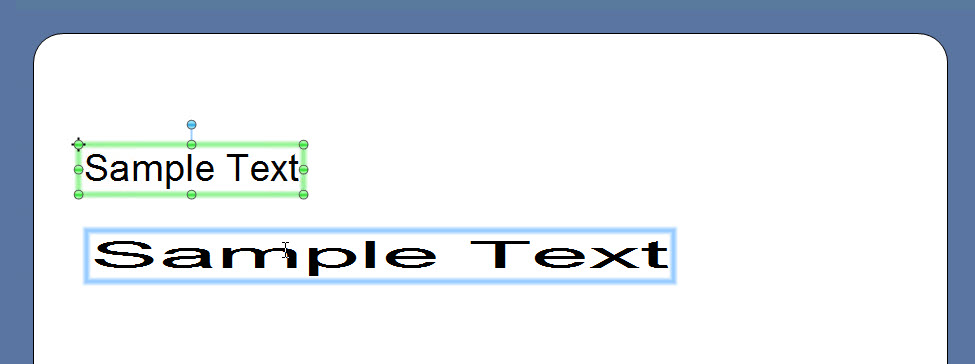
I have multiple text fields in a Template. I want to change the maximum width of one field but i'm unable to. Instead of changing the width of the text field it makes the fontsize bigger.
I have done this successfully in the past but for some reason it does not work anymore.
Any advise? Also happens on new templates. See image.
0
-
Go into the Properties of the Field and tick the Wrap to fit width option and either put the value in the box below or stretch it to the correct size on the label.
Alternatively add it as a Wrapped field.
0

Please sign in to leave a comment.
Comments
1 comment