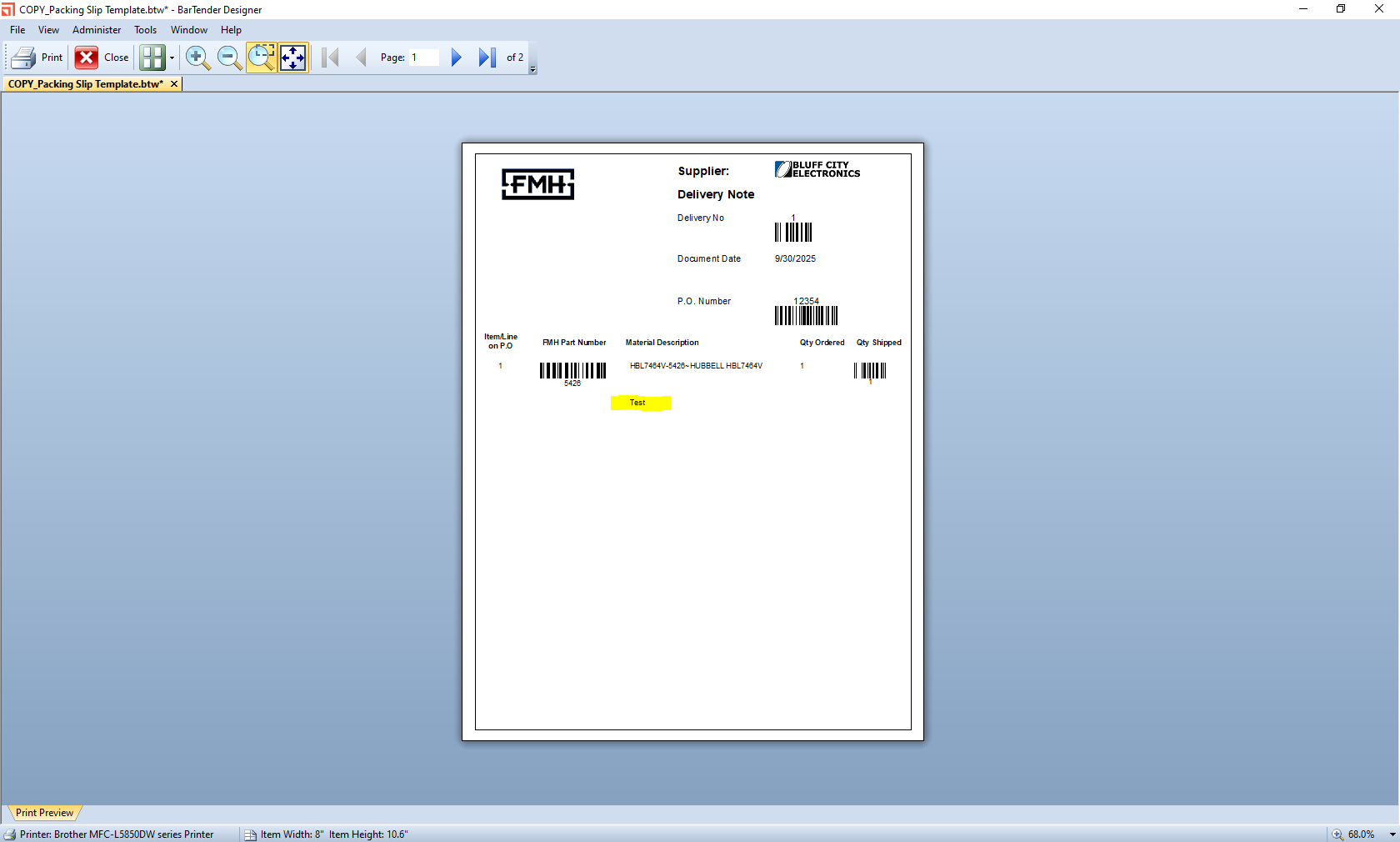
"test" or "text" Prints under one line document

Hello,
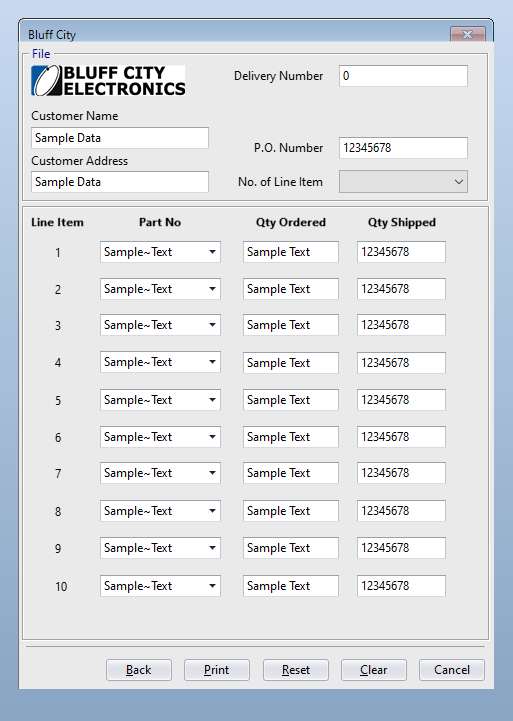
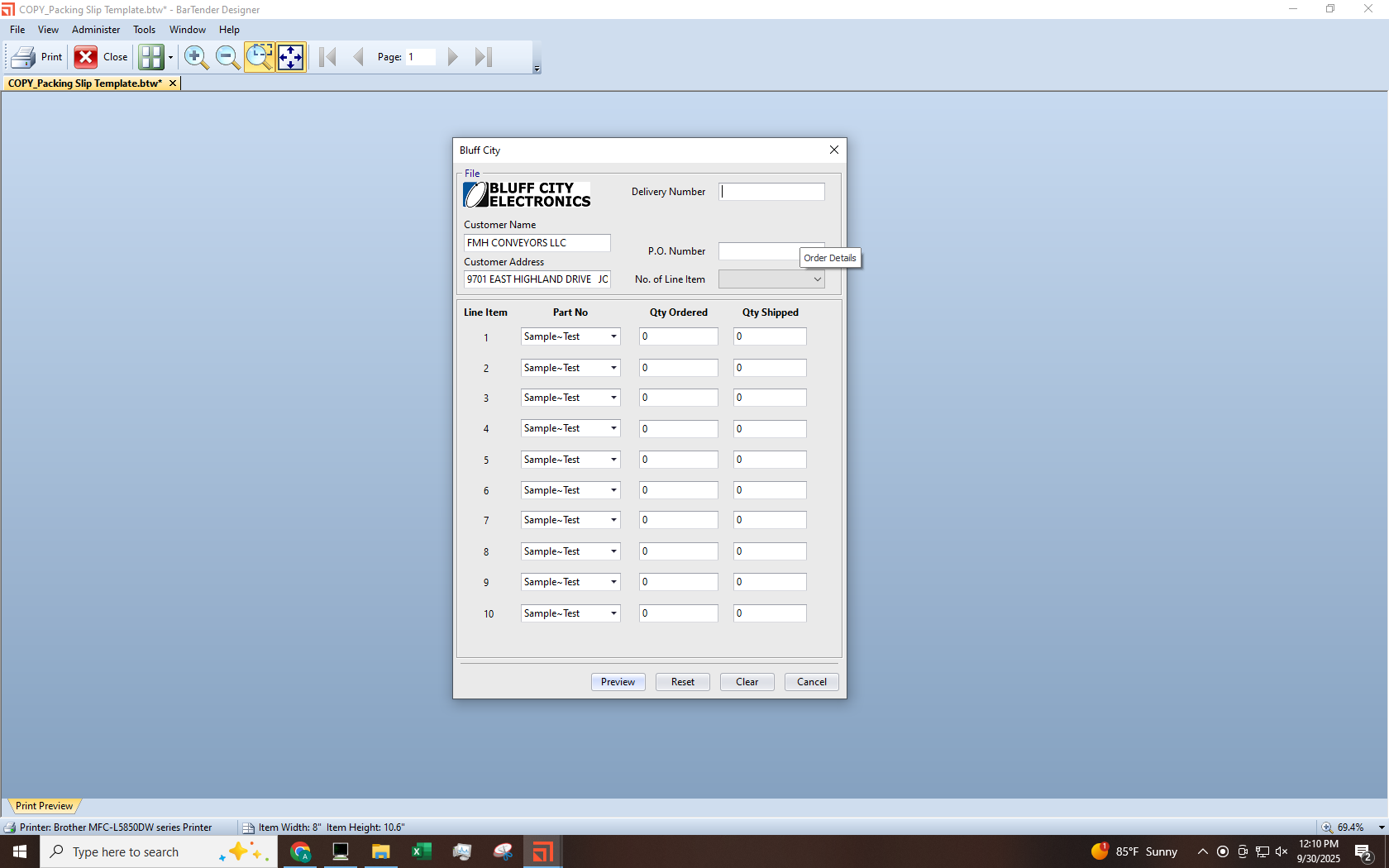
I'm very new to Bartender and I did not personally set up the document Template and Form. I've made a copy of the file though so that I could figure out how to “search” in my text boxes because when this form was set up there was not a way to do that, and I could only select the first digit then scroll through every part number that started with say “3”.
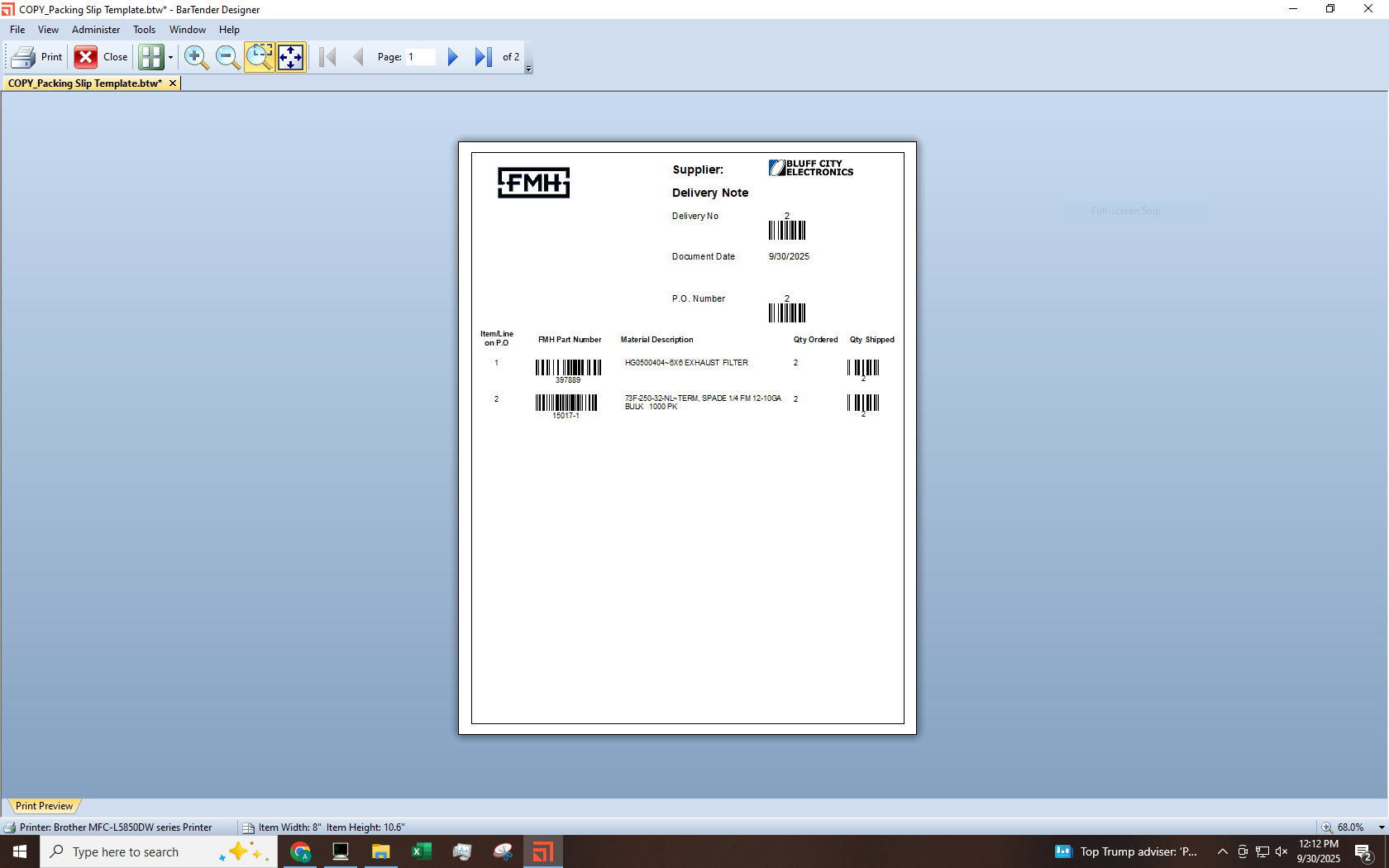
Now that this issue is solved I keep getting the word “test” printing if I only have one line items on document. It does not happen with more than one line item. I've gone through the objects and haven't found the source of this “test” issue. My printer drivers are up to date; I mention this because searching google led me to potential printer issues.
-
I would suggest looking at the template view of the label and check the contents and settings of the Material Description item on the label as I think that is probably where that value is
0

Please sign in to leave a comment.
Comments
1 comment