Error Message #3640

Hi,
I tried to copy text from label created with Microsoft Word and paste it to Bartender,
but when I try to print it I get an error message #3640 " An error occured while parsing or rendering object Word Processor Text 1."
I tried to use different fonts, but nothing.
I use printer TSC TTP-245C.
Can someone tell me what could be the problem ?
-
Permanently deleted user
★ BarTender Hero ★
Hello,
This error is a known issue in the version 10.1 SR2, it has been identified and fixed by our development team and will be solved in the Service Release 3 of BarTender 10.1.
Regards,
0 -
Hi Adrien,
1. Can you please advise when SR3 will be available.
2. In the meantime, is there a "workaround" to this issue.
Thanks.
0 -
Permanently deleted user
★ BarTender Hero ★
We do not have a precise date for the release of SR3 however, our estimates are that it will be available in the first half of April.
In the meantime, you can use a workaround, as this issue occurs only when the Word Processor "thinks" that it contains monochrome data, you can force it to work as a non-monochrome object by inserting a 1x1 pixel at the end of the data inside the Word Processor object.
Regards,
0 -
Hi
We are a new user of bartender and have purchased the enterprise automation version 10.1 SR3. We are trying to use commander to print HTML to a text file and the purpose is to create an invoice from a .NET application and send it to the printer via bar tender. When we are sending the HTML, most of it works but at some point it gives error #3640 as a parser error. The strange thing is it does not give error everytime at the same place even though the content is the same. Can you please help with this ? I can send the HTML content and the label design to you if you wish.
Thanks
Manu
0 -
Hi Adrien,
I created a new label with datasource from a txt file.
I receive a error message when rendering (#3640) and when I open the file the HTML field has a red cross in it. however, when I change or add 1 single char in the properties the values are shown. Please assist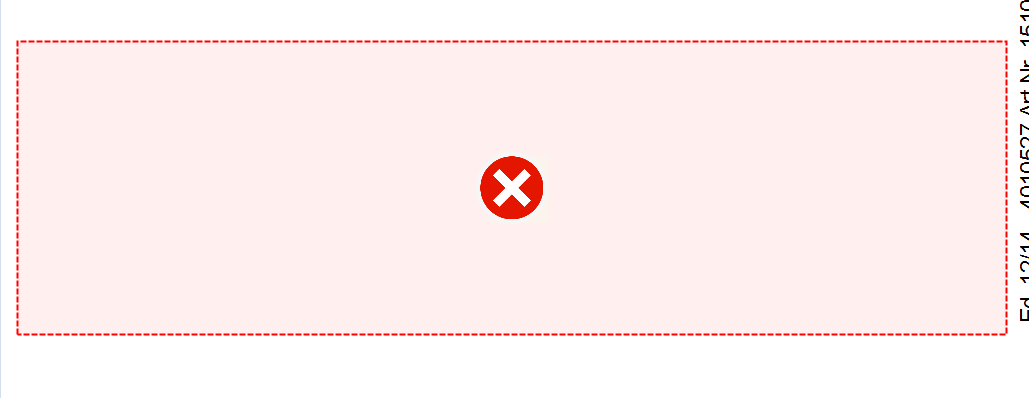
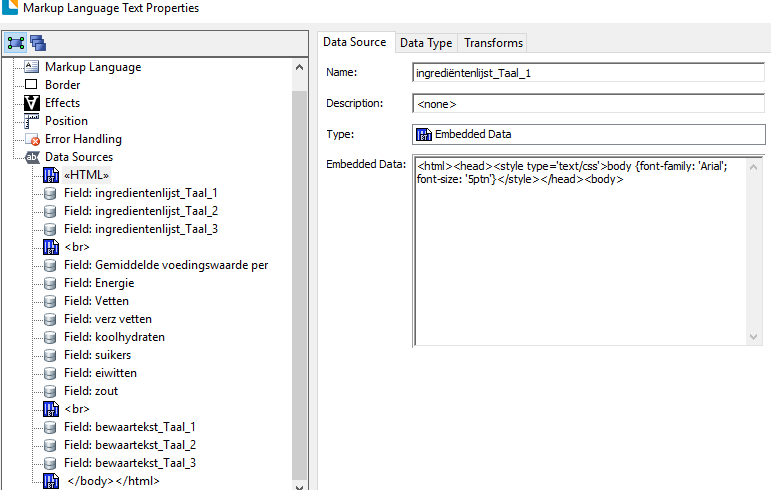
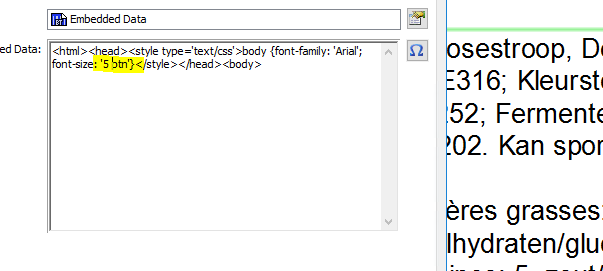
As shown in the screenshots, i just added a space in between 5 and ptn and the text appeared.
Thank you for your advice0

Please sign in to leave a comment.
Comments
5 comments