Use same layout document for different makes and models of printers

We use Enterprise Automation to initiate a print from our MES system to one or more printers at the start of a production order. The layout must be the same but the printers are a number of different makes and models.
Can I have multiple templates in one document file, and select the appropriate template based on the printer make and model at print time?
Does the printer model, I select at design time, have any other influence than selecting the stationery / media for the layout?
Having to maintain multiple files for the same layout per printer (type) within one factory, let alone multiple factories, is a logistical nightmare, therefore all suggestions are welcome.
-
If all the templates are the same size then that would be possible.
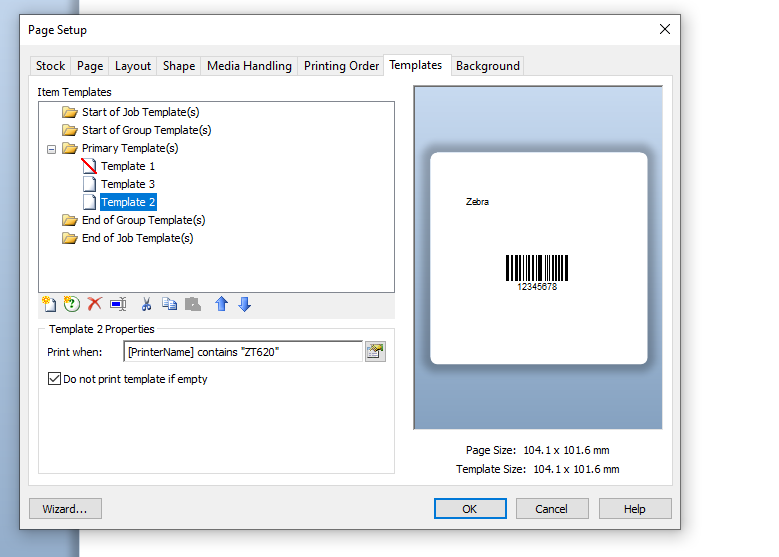
For my tests I added a none printing template that contains a Named Field that is linked to the Print Job Fields> Printer Name Data Source. Each other template then includes conditional printer to allow for the Printer Name selection. I just used the Contains option rather than copying and pasting the full name to use the equals.
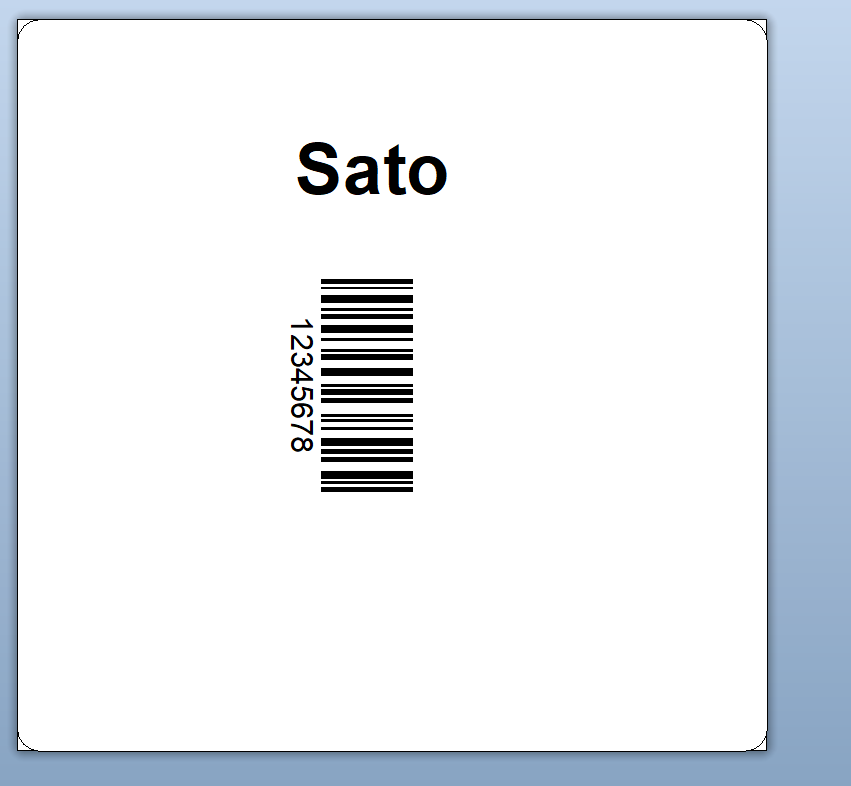
At print time, selecting a Sato CL4Nx instead then this template prints
 0
0 -
Thanks Peter, much appreciated. The layouts have the same content, the difference is mainly that different printers have varying dimensions of the print area, or small differences in the size of labels.
And as I understand your example, I could use any data field as a discriminator, since our printer names do not contain any make or model info.
0 -
Yes, just something to allow you to discriminate between them. I could have used Equals "SATO CL4NX (203 dpi)" but as I only have one of those installed on my I used the Contains and the CL4NX only
0

Please sign in to leave a comment.
Comments
3 comments