Label with vial and top label

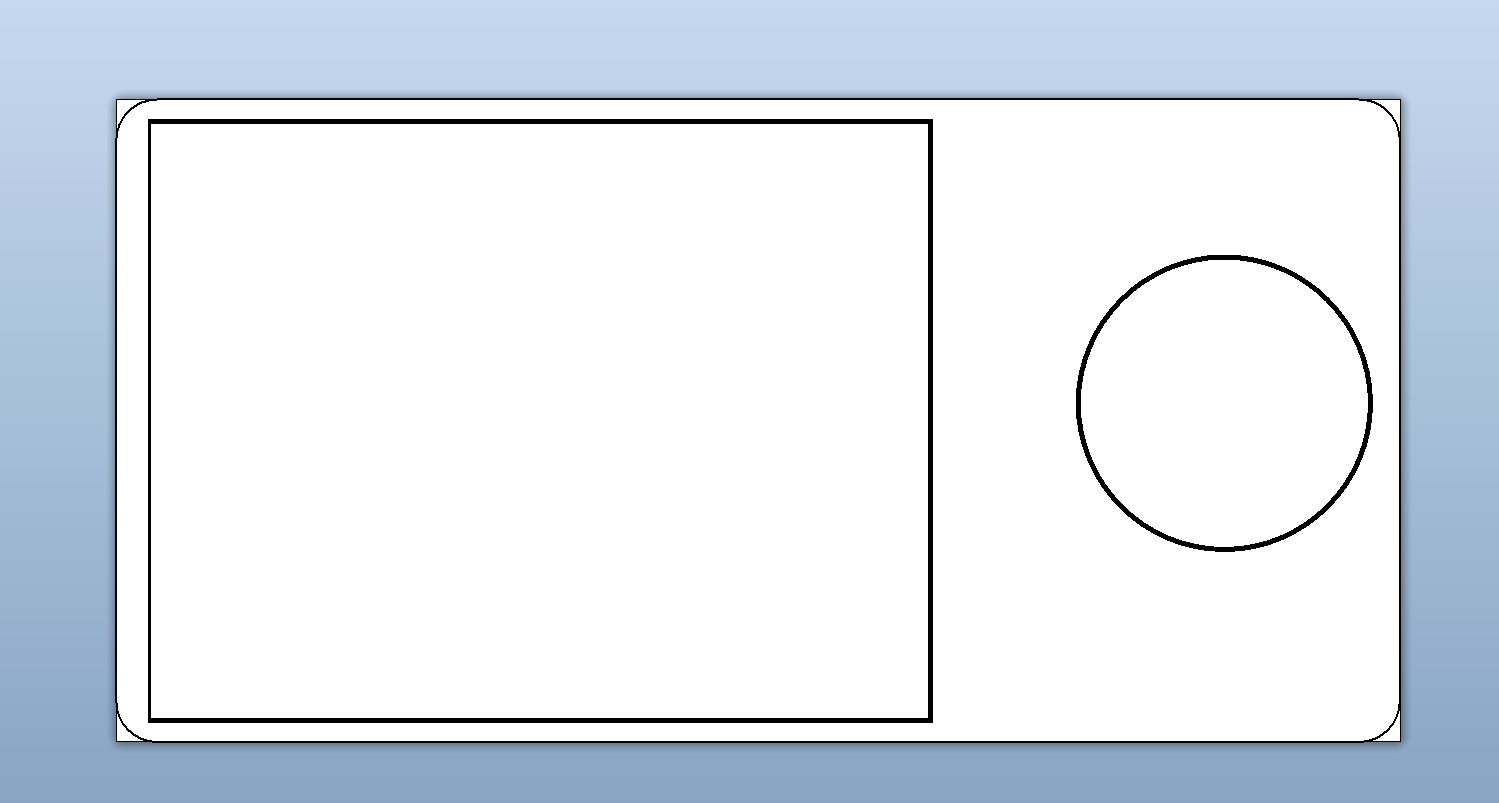
I'm trying to make labels for my 2ml cryotubes. I have labels that have a 0.94" x 0.5" vial label with a 0.437" circular label next to it. I can't seem to find a template in BarTender. Would love help!
Thanks,
Heather
0
-
You will probably need to create this as a single rectangular label but place the label fields on the template on the template so that they print in the correct location.
You could scan the label and set this as a non printing image on the template to perhaps help with field placement.
You label layout would then end up something like this with two areas where you add your fields too
 0
0

Please sign in to leave a comment.
Comments
1 comment