Populating Named Data Sources from Print Portal

Hi all
I'm trying to print a btw label (that uses Named Data Sources and Query Prompts) from Print Portal (or Print Station).
Selecting the btw, Print Portal asks me for the parameters related to Query Prompts but doesn't ask for parameters related to Named Data Sources.
Is there a way to have these prompts without creating an input mask, seen that the same model must work also in unattended mode with IntegrationBuilder?
It's perfect with QueryPrompts, but seems not working with Named Data Sources...
Thank you!
BR
Max
-
The Named Data Sources will be populated in Print Portal the same as within Designer, it depends how you have set them up. For example, if you have created a field that is linked to a database and named that, then all other fields that you have set to use the same named source will still be populated as before.
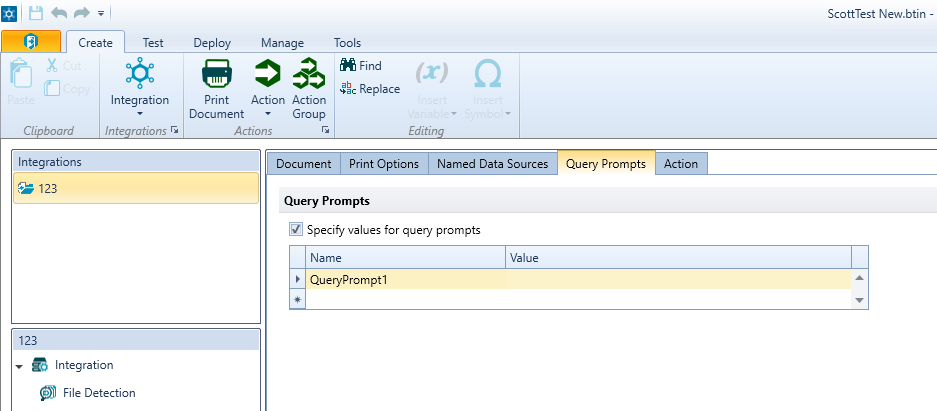
For Integration Builder and Query Prompts, I assume your trigger file contains this data in which case you can use this screen to specify where the values come from
 0
0 -
Ok, but probably I'm missing something, sorry:
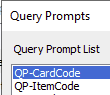
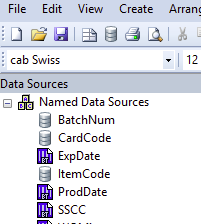
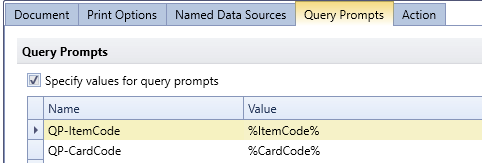
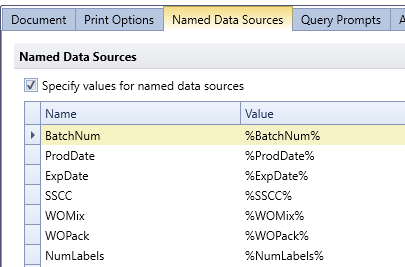
Also in Designer I have the same issue, when I preview/print the label directly from Designer, out from IntegrationBuilder, I'm asked for QueryPrompts but NOT for NamedDataSources, even if they are both correctly filled in the integration builder:
 0
0 -
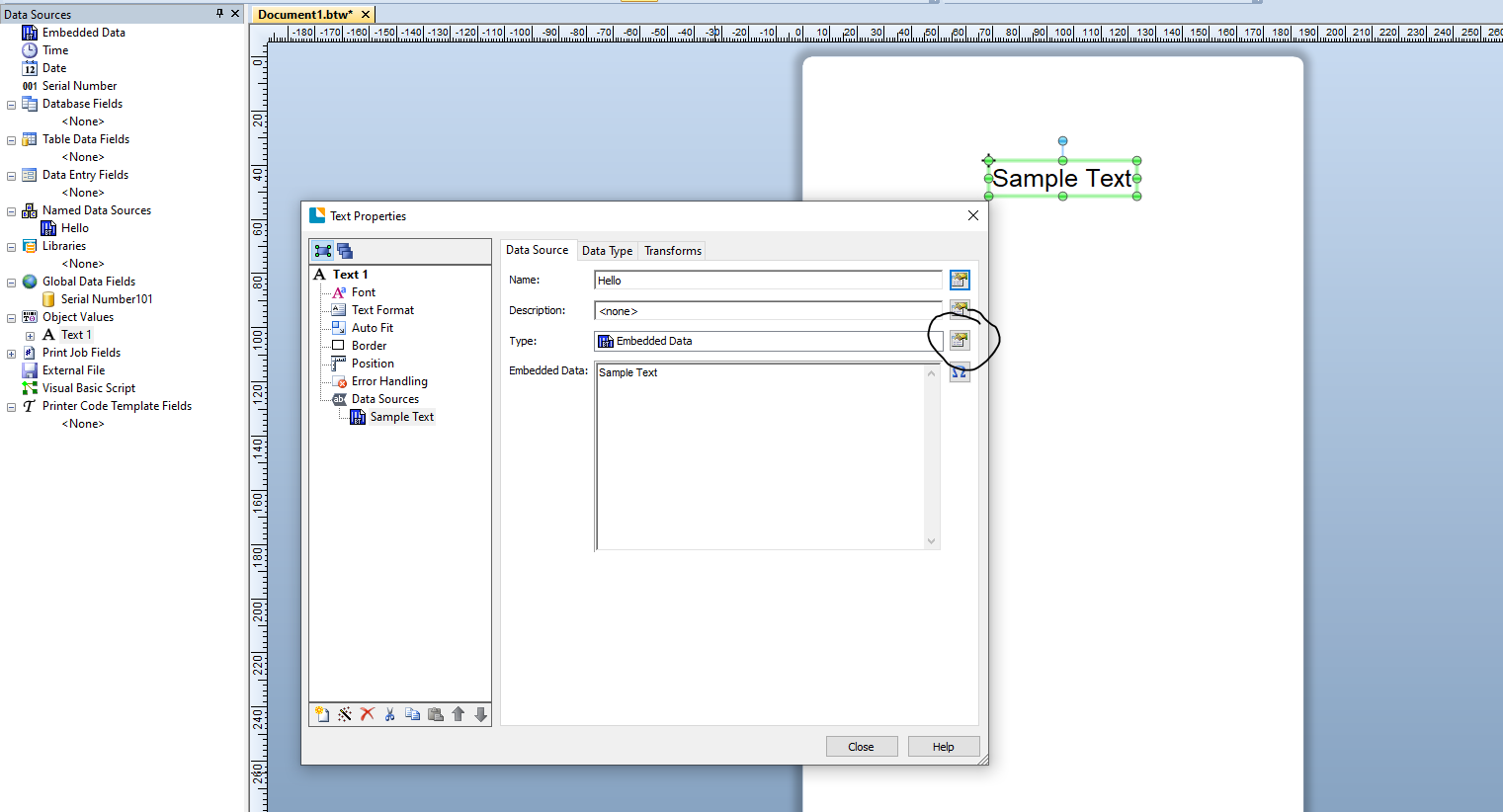
In Designer, that is because you have not set a source for the Named field, with an Integration that is different as you can link it to the data in your trigger file for example as you have done above.
In Designer you would adjust the Type to match the source. Giving it a Name just means you can reference it elsewhere (in the Integration or in a VB script) or else Share the data amongst multiple fields but you still have to tell BarTender where the data comes from.
 0
0 -
Ok, got it.
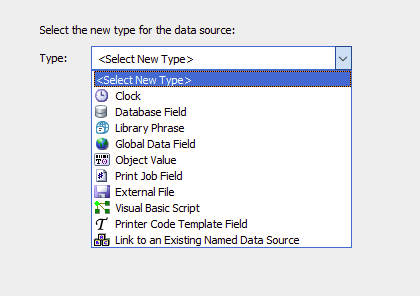
And If I want for a Named Data Source that I'm asked for it's value, as happens for a Query Prompt (only in case of missing Integration, i.e. print with Print Portal) which source do I have to choose?
 0
0 -
A possible solution I found is to avoid any NamedDataSource and fill a 1-row table with that values, so realizing all the integration with Query Prompts...
In this way, all params are asked if I print with PrintPortal/PrintStation and none is asked when printing from IntegrationBuilder...
Any other option?
Thanks in advance for your help!!
0 -
Hello Massimo,
Thank you for using the BarTender forums! While I'm not sure if this is helpful, you don't have to use Named Data Sources with many File Integrations. You can use a database override instead, if that works better with your setup. You can compare & contrast those methods found here:
- How to create a CSV integration using Named Data Sources
- How to create a basic CSV integration using database overrides
0


Bitte melden Sie sich an, um einen Kommentar zu hinterlassen.
Kommentare
6 Kommentare