Single Label Printing with serialzation

Once selecting the record from a form the serialisation knows that there are say 6 labels (Sn 47606-11-001 to 47606-11-006) in this batch. I am able to print the 6 labels. If one label is damaged rather than printing all 6 how do I print an individual serial number label.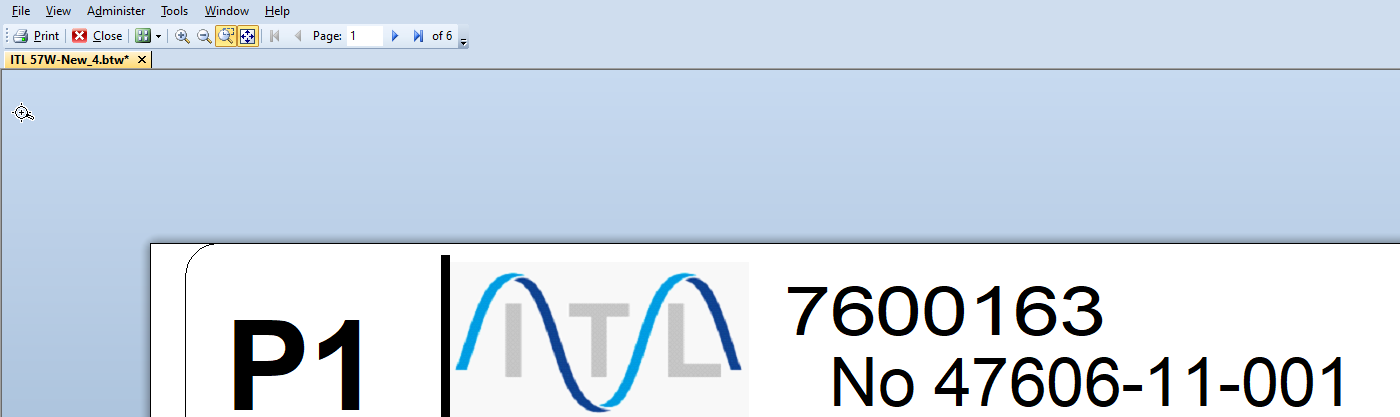
-
Hello Paul,
Thank you for reaching us via the Community Forums!
This should be easy to set up:
For this example, I have created a really simple label with a serialized "1" in the middle:
If we were to open the Print screen and select "5" serial numbers, then the result would be 5 labels with numbers ranging from 1 to 5.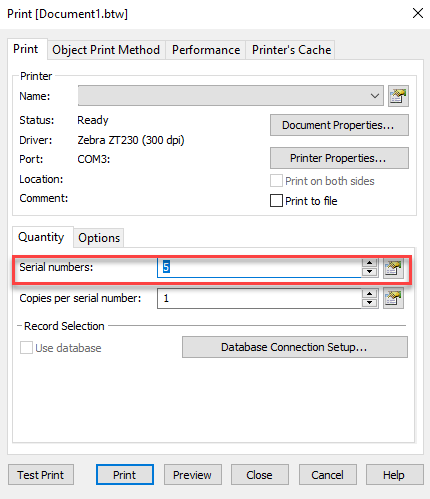
Now, what if we wanted to just print numbers 3 and 4 again? For cases such as these, in order to keep label waste to a minimum, we can set a Text Box Input in the label's form, this way when printing, we can select the starting point for our serialized "1".- First, open the Form screen and drag and drop the template object data source we want to modify at print time:

- Now we will be queried for the type of Data Entry Control we want to create. In this case, having a Text Input Box will do the trick for us:
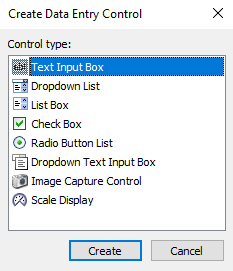
- Now, if we go back to the print screen and select 2 serial numbers (since for this example we wanted 3 and 4 to be printed), and then click on "Preview"; a new pop-up window should appear asking us to enter data before previewing the results:
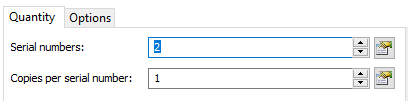
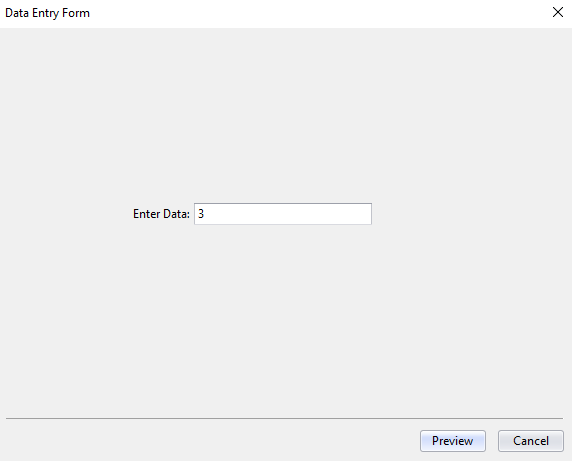
- Let's select "3" and see the results:
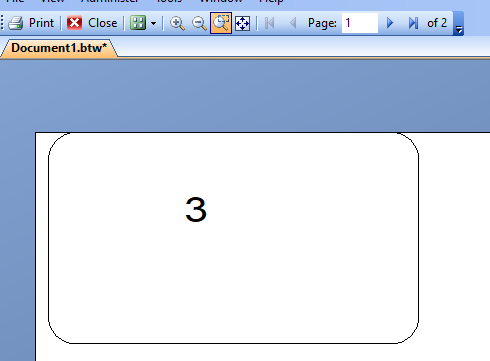
- Two labels, starting from "3" to "4".
And that should be it. In your case, if you'd only want serial number "006" to come out, you'd just need to input 006 in the box at print time and have the serial numbers be 1 in the print menu.
If you have further questions, please feel free to reach us again!
0 - First, open the Form screen and drag and drop the template object data source we want to modify at print time:
-
I don't think your solution will work for our scenario.
We have a form where we search for an order (think of this as a batch) which has a number of parameters with serial numbers
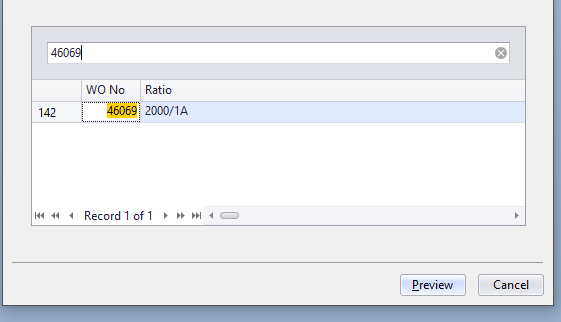
For this batch serial numbers would be 47606-11-001 to 47606-11-006
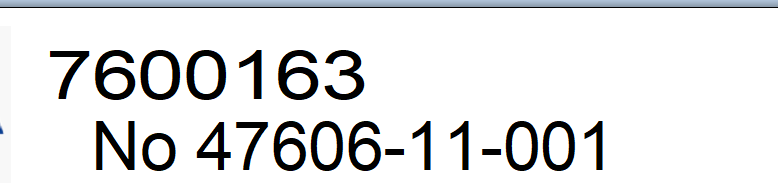

It understands that there will be 6 serial numbers as part of the record selection there is a field called WOQty and it is this value will be 6 in this case (shown below, copies per serial number: DatabaseField WOQty).
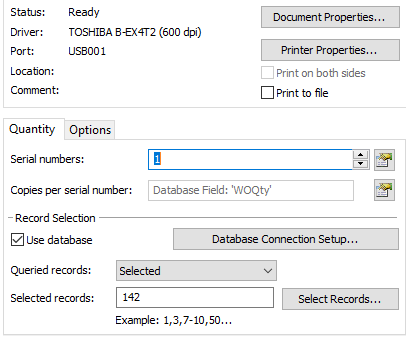
Rather than running all the labels again, I may only want to re-run one or two that may need to be replaced.
0

Bitte melden Sie sich an, um einen Kommentar zu hinterlassen.
Kommentare
2 Kommentare