Data entry form data check

Hello,
I have 20 text boxes in the form, into which I read the data from the scanner.
I want to do an action for the program to continue printing only after the amount of data entered into these fields. But it has to check how many pieces I have given before.
E.G. I will give the number of 10 items, the program is to check if I have loaded 10 of the 20 that I have available.
Thank you in advance for your help.
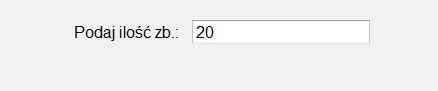
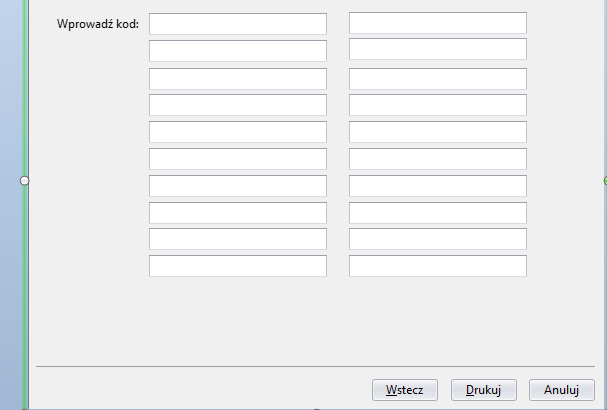
-
Hi Paweł!
Thank you for reaching us via our Community Forums.
BarTender Designer does have an option that warns the user of data-entry fields being empty. If you access the text properties of the text to be replaced with the data you input and navigate to the "Error Handling" tab, you can select "Data Is Empty" and then check "Ask user whether to abort print job":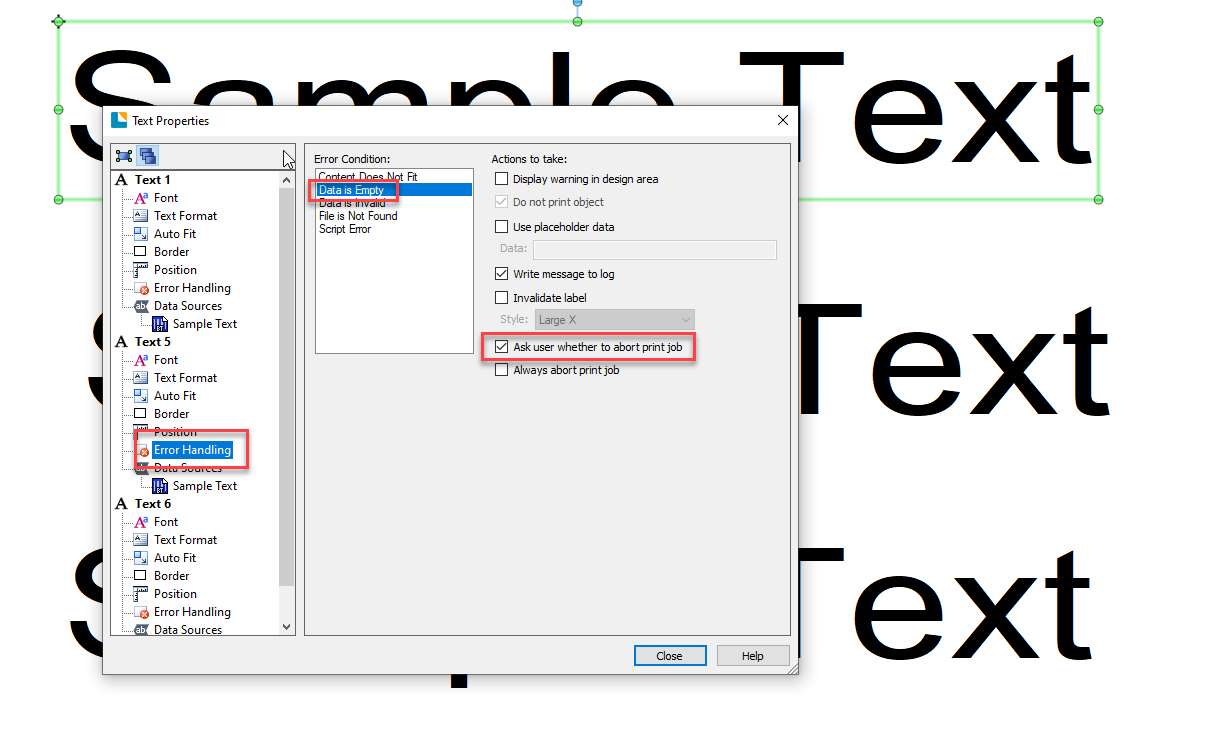
Then, at the moment of printing, this should provide your users with a list of empty fields and allow them to abort the print: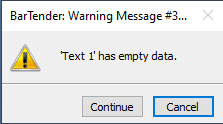
However, if what you are trying to do is have the counter on your first image go down every time one of the data-entry fields is filled, then I believe this would be possible via the use of VBScripts.
In case you need help with scripting, I would suggest reaching our Professional Services Team, who in exchange for a quote, will provide you with all the help you need creating labels and scripting.
Hopefully, this information will be of use.0 -
Hi Xabier.
Thank you very much for your answer.
Rather, my task will be needed from what you are writing the VBA script.0

Bitte melden Sie sich an, um einen Kommentar zu hinterlassen.
Kommentare
2 Kommentare