Calculate a total sum of all Database Rows

Hello,
i want to calculate in a report all weights to a total weigth for a report footer.
I have a Oracle Databse select in the report. I miss in a vb Scripting the aggregation funktions e.g sum(), Count(), avg() usw.
how i can do this?
-
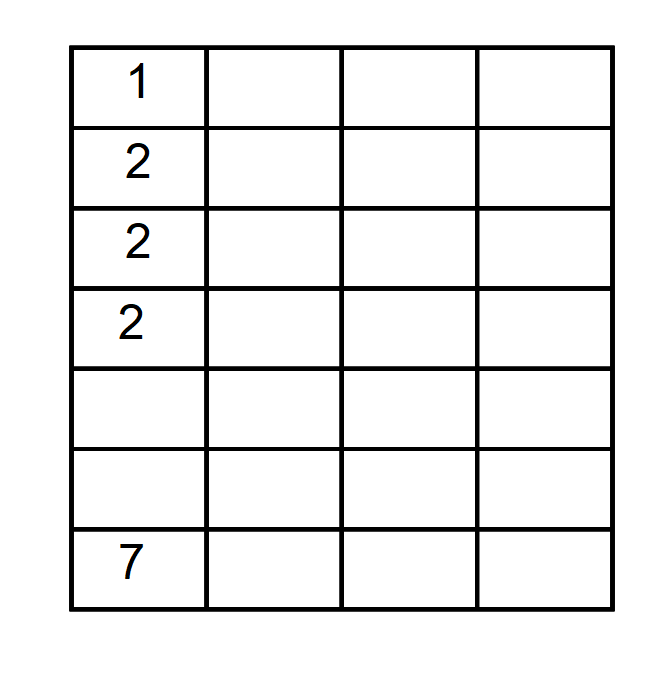
I take it you are using the table function in a BarTender template. I am not sure if there is a way to do this more easily but the only way I can think of is reference each text object individually and add them together and so the text object in the bottom line of the above grid is a VB script routine:
Value = Int(Format.Objects("Text 1").Value) + Int(Format.Objects("Text 2").Value) + Int(Format.Objects("Text 3").Value) + Int(Format.Objects("Text 4").Value)
 0
0 -
Permanently deleted user
★ BarTender Hero ★
Hello,
My database select returns more than one row.
I now want to calculate a total sum over all rows from the Weight field.I have 2 options. Both have a problem in my opinion.
1. i have started an attempt with the table object. Here I have the aggregate functions like sum(). But there I can't pass a where condition in the database select.
2. i have a report with page template and groupings. There I would not know how to calculate on groups sum and on total sum.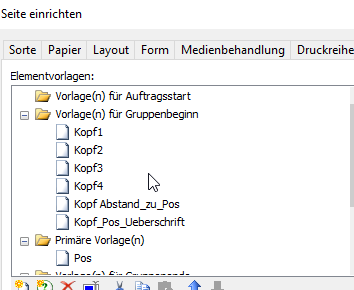 0
0 -
Okay, It wasn't clear from your original message that you were using Page Templates and records per page so will have a play and see.
I remember, sometime ago with multiple labels in a batch, where we did something similar but this was individual labels and not with a page template.
0 -
Rather than use the page template, you could use the Records per Item setting in the Database setup:

With this each field it added on the label individually and you can reference in them in VB directly:
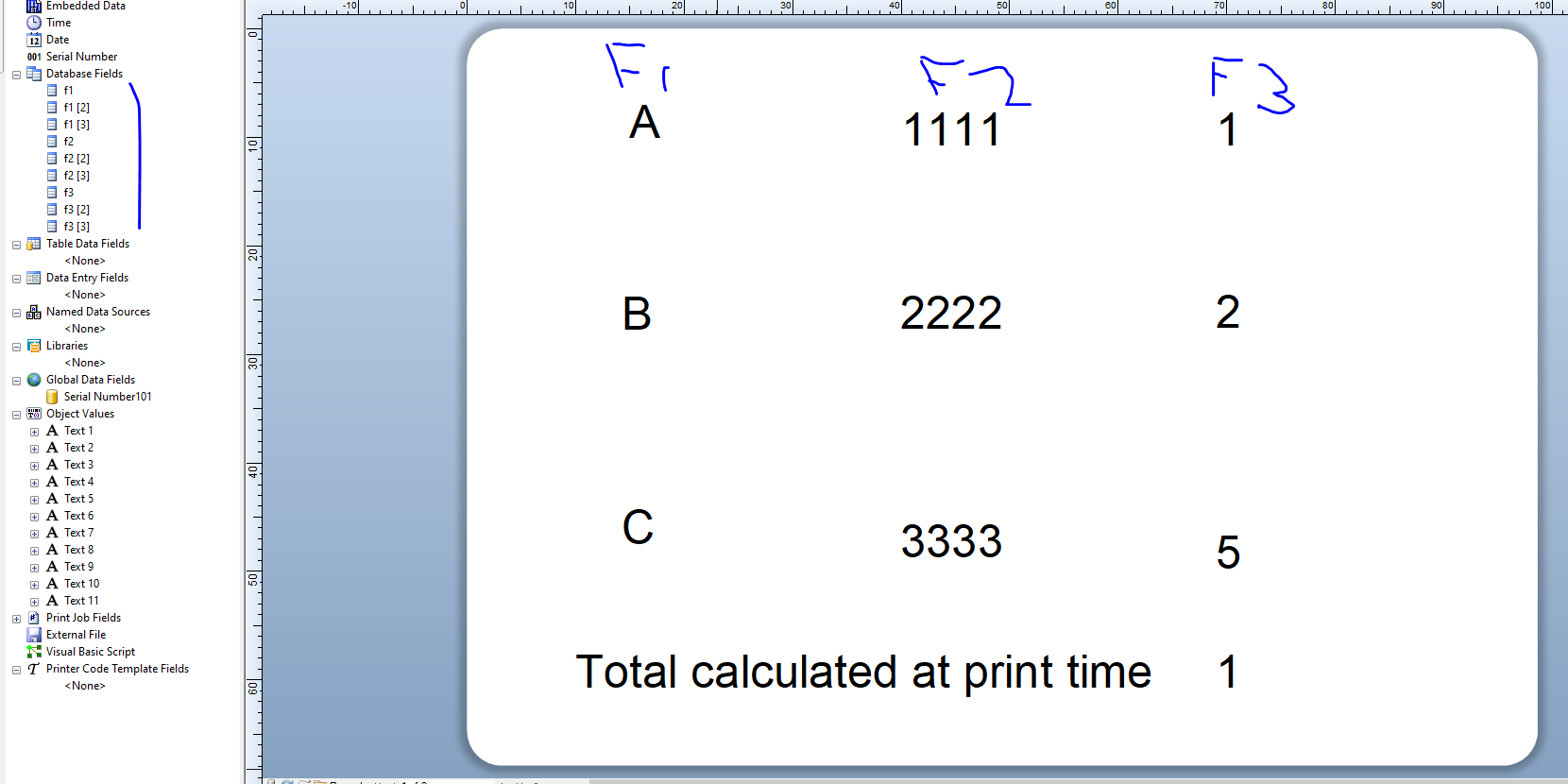
with VB like this in the calculation field
Value1 = Field("numbertest.numbertest.f3")
Value2 = Field("numbertest.numbertest.f3 [2]")
Value3 = Field("numbertest.numbertest.f3 [3]")Value = Int(Value1) + Int(Value2) + Int(Value3)
(Needs a bit of tweaking as I get a type mismatch warning but it does work)
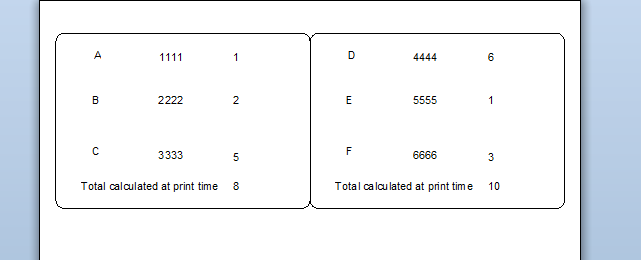
Hopefully this may help
0 -
How to keep two digits after the decimal point ? Txs.
0 -
I believe is you change the Int commands to Abs then that will work ie
Value = Abs(Value1) + Abs(Value2) + Abs(Value3)
0


Bitte melden Sie sich an, um einen Kommentar zu hinterlassen.
Kommentare
6 Kommentare