Unable to print aphostropes

My team is using BarTender 11.11.0 Automation edition to print from a hazardous materials application (Hazox).
Most labels work fine, but those with apostrophes in the chemical name do not. Interestingly, printing a label with an apostrophe also breaks all subsequent label printing.
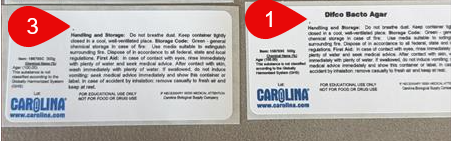
Test 1: 156783C Agar label job completes as expected. Physical label prints correctly and Hazox dashboard has an actionable link.
Test 2: 847111 Benedict’s label job completes as expected. No physical label prints, and Hazox dashboard link is not actionable.
Test 3: 156783C Agar label job completes for legacy printer. Physical label prints without anything in the product name fild.
Has anyone experienced a similar phenomenon of breaking labels on subsequent print runs after a failure?
-
I am guessing you are using a database connection and I would suggest you look at the setup as it could be the apostrophe is being picked up as the data terminator for the field in the database
0

Bitte melden Sie sich an, um einen Kommentar zu hinterlassen.
Kommentare
1 Kommentar