Label (A4) with a lists of Items + Qty

Does anyone have a label like this that can guide me a little.
I have always worked in transforming a CSV on a single item label but have a project that will require create a Label A4 size with all Items + Quantities inside of a Despatch. I have this data in XML but can produce a JSON as well.
How to setup the document to accept a multi line item field that can have 2 items, or 10.
Thanks in advance
-
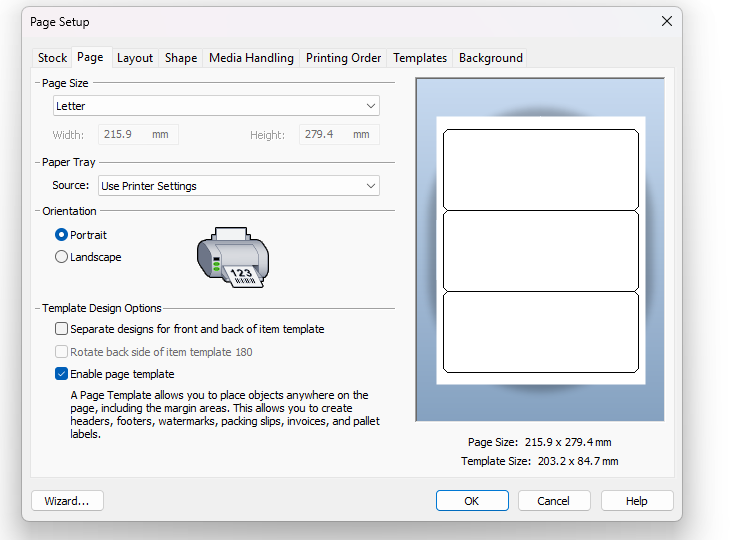
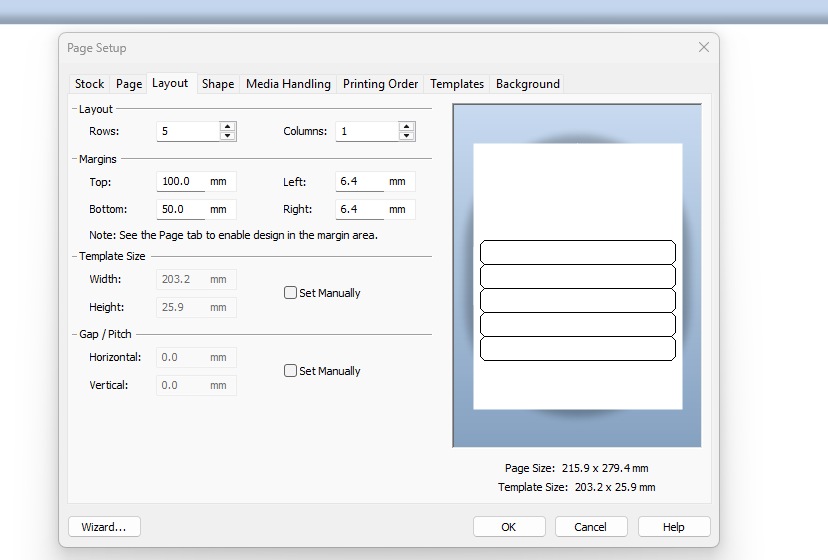
In the Database ConnectIon setup enable the the Records per Item setting and then in the Page setup turn on the Page Template option. Now on the layout screen you can adjust the top and bottom margins to provide you the areas where the global data/information goes whilst setting the Rows value to the number of records you require to be shown on each page.
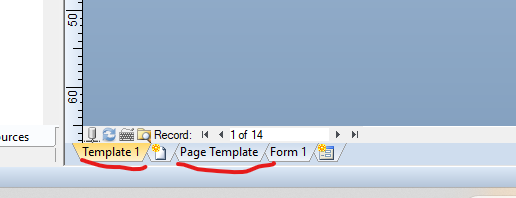
You will now see a Template and a Page Template tab at the bottom of the screen which can now be configured as required.
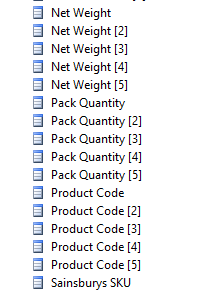
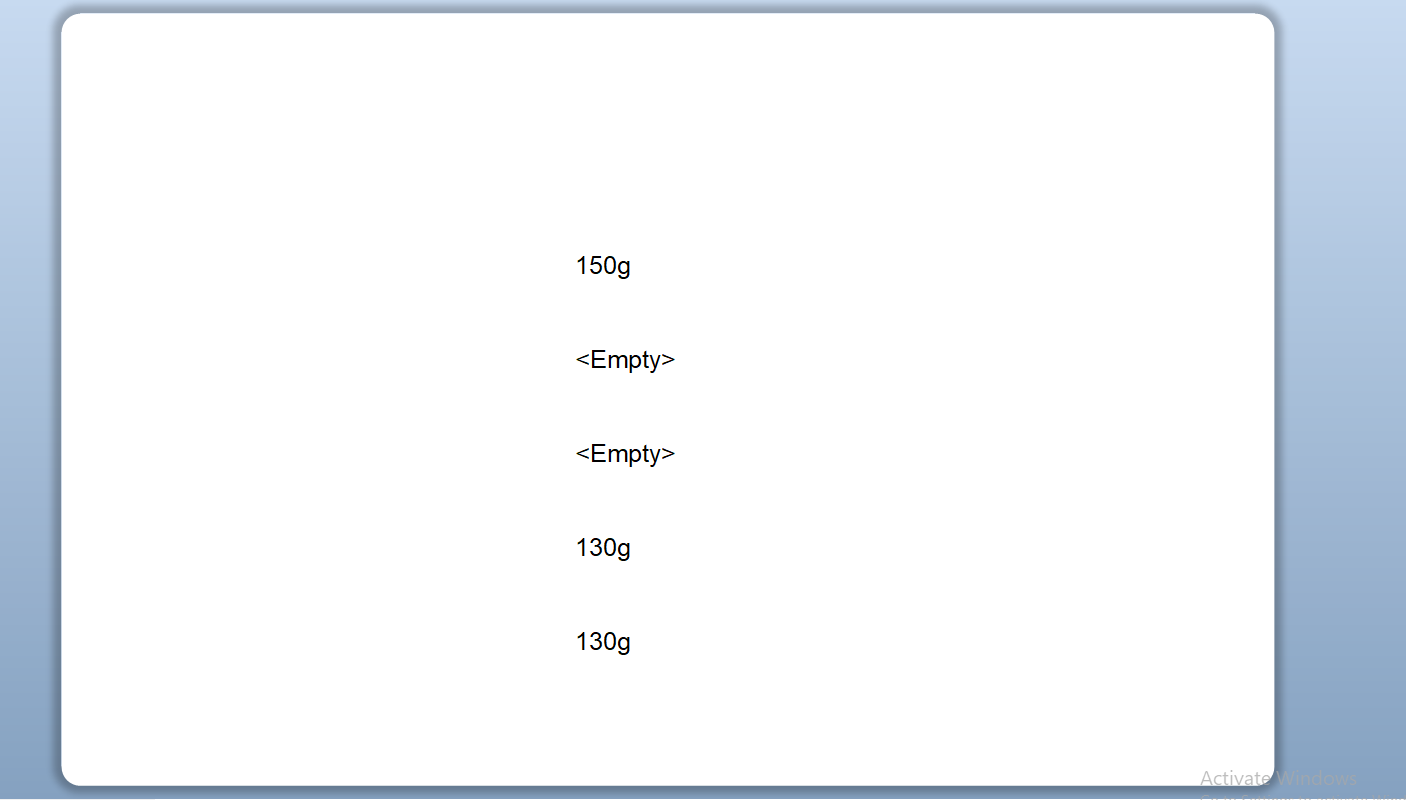
You could leave the label rows to 1 and then add all the fields onto a single label as in the Data Sources to the right you will see each database field X number of times depending on the Records per Item value you set and you would have to drag/set each field on the single “label". In the image below I have add Net Weight - 4 fields on to the label although as you can see Net Weight (3) and (4) have no value currently set int he database
.
 0
0 -
Thank you Peter.
I will run some tests but I believe I understand how it works now.
0

Bitte melden Sie sich an, um einen Kommentar zu hinterlassen.
Kommentare
2 Kommentare