Printing multiple templates in one label sheet

Hello,
I have a main label that I need to print its multiple templates (each template contains different info) on one Avery label sheet. I know how to set up the print settings to print the templates consecutively on a paper roll but not all on one sheet.
Can anyone help?
-
Is this multiple layouts or the same layout but with different data?
Where is the data coming from, manual or fixed labels or from database selections?
0 -
One layout but each template has different data.
Most of the fields are fixed, one does have data entered at time of print via the form entry
0 -
It sounds like you just need to create a label with multiple templates in it and at print all of these will print.
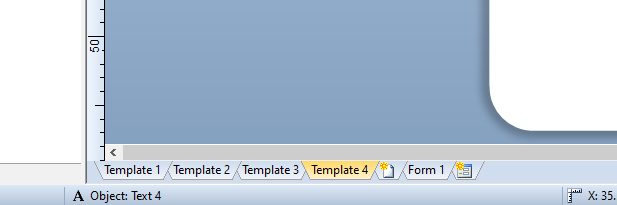
(with BarTender set to print 2 copies of the label)
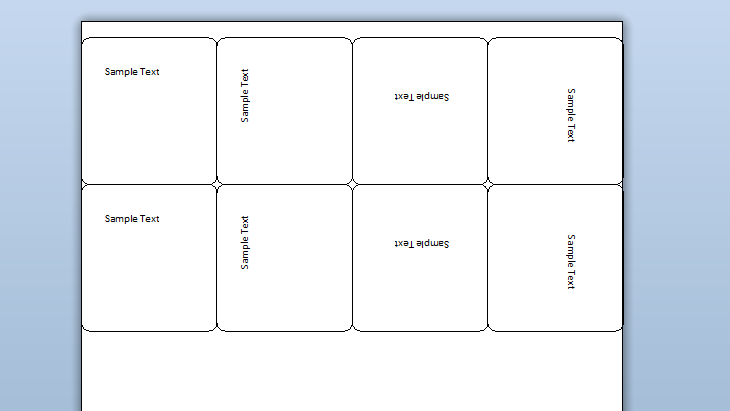
(You can also add conditional printing to each template to set when some of the templates print rather than printing all the time if that is what you need. )
You would configure/design each template individually and link the Data Entry to the appropriate field on the template you need to change manually
0

Bitte melden Sie sich an, um einen Kommentar zu hinterlassen.
Kommentare
3 Kommentare