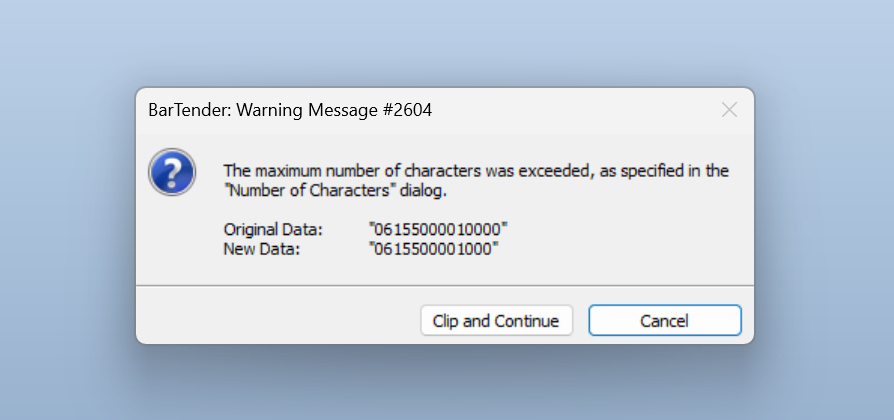
Warning Message #2604. Please how do I resolve this?

0
-
Please, I need urgent assistance. I can't figure out what the issue is
0 -
There is a setting in the Transforms>Number of Characters that is causing this. However, if your data is being incorporated into certain barcodes (GS1-128 for example) then these settings are pre set as they are a requirement of the AI being used. For example an AI 01 must contain a 14 digit string but that includes a check digit which BarTender will calculate and so it will automatically strip off the 14th digit to recalculate it using the correct check digit spec.
0

Bitte melden Sie sich an, um einen Kommentar zu hinterlassen.
Kommentare
2 Kommentare