Printing landscape

Hello,
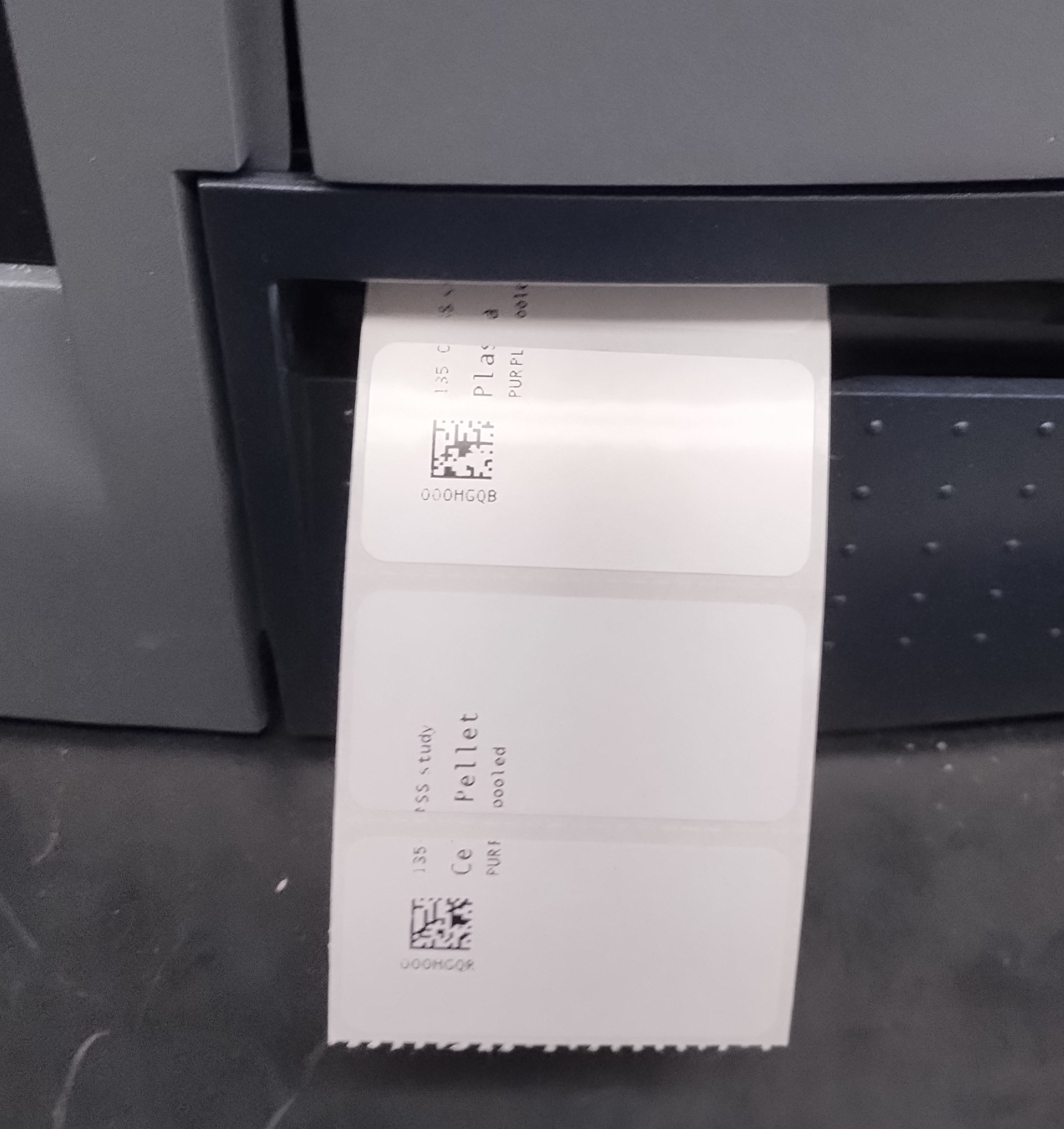
I am experiencing an issue with our Bartender setup for printing labels. Although I’ve designed a label in landscape orientation and deployed it through an integration, the labels are printing in portrait orientation, causing misalignment.
This issue occurs only with this specific landscape label; other integrations printing in portrait work as expected.
Attached is an image showing how the labels are printed. I would appreciate any guidance you can provide to help resolve this issue.
Thank you for your assistance.
Best regards,
Camelia
-
Not sure, but have you checked the driver settings for the printer you are using and make sure that that is set to landscape as default?
0 -
I am facing the same issue, how to check driver's default setting?
I checked the label template orientation - Portrait
I checked the printer preference setting - Portrait
Still label is getting printed in landscape mode intermittently0 -
Open the driver in Windows Control Panel and check the settings in there.
Personally when I am creating labels, even if on the screen the image is sideways, I tend to leave all the settings as Portrait and design the label how it looks as it comes out of the printer as I find that is best when troubleshooting and adjusting positioning issues etc.
0


Bitte melden Sie sich an, um einen Kommentar zu hinterlassen.
Kommentare
3 Kommentare