Label failed to print "no templates to render and no forms to show"

Hi,
I have a label which links to an Excel spreadsheet with a number of lines - some have data and some are blank. When I try to print the label I get an error stating it cannot print as there are "no templates to render and no forms to show". Having looked on the forums I thought it was because of the blank rows, so I applied a filter to remove the blank rows. However, the same error is still appearing. Does anyone have any suggestions regarding how I can get this to print?
Thanks for the help!
Jenna
-
If you use record browser in the Database Connection Setup are any records displayed or is this blank or does it show an error.
If you can see records then it could be your selection criteria on the File>Print screen that is the issue. Try adjusting this from Any or Selected to Select at Print Time and delete the 1.... in the box below that setting and see what happens
0 -
Hi Peter,
Sorry for needing your help again - at least it's a different issue this time! :)
I've tried the below and have taken some screen shots - your thoughts would be much appreciated!
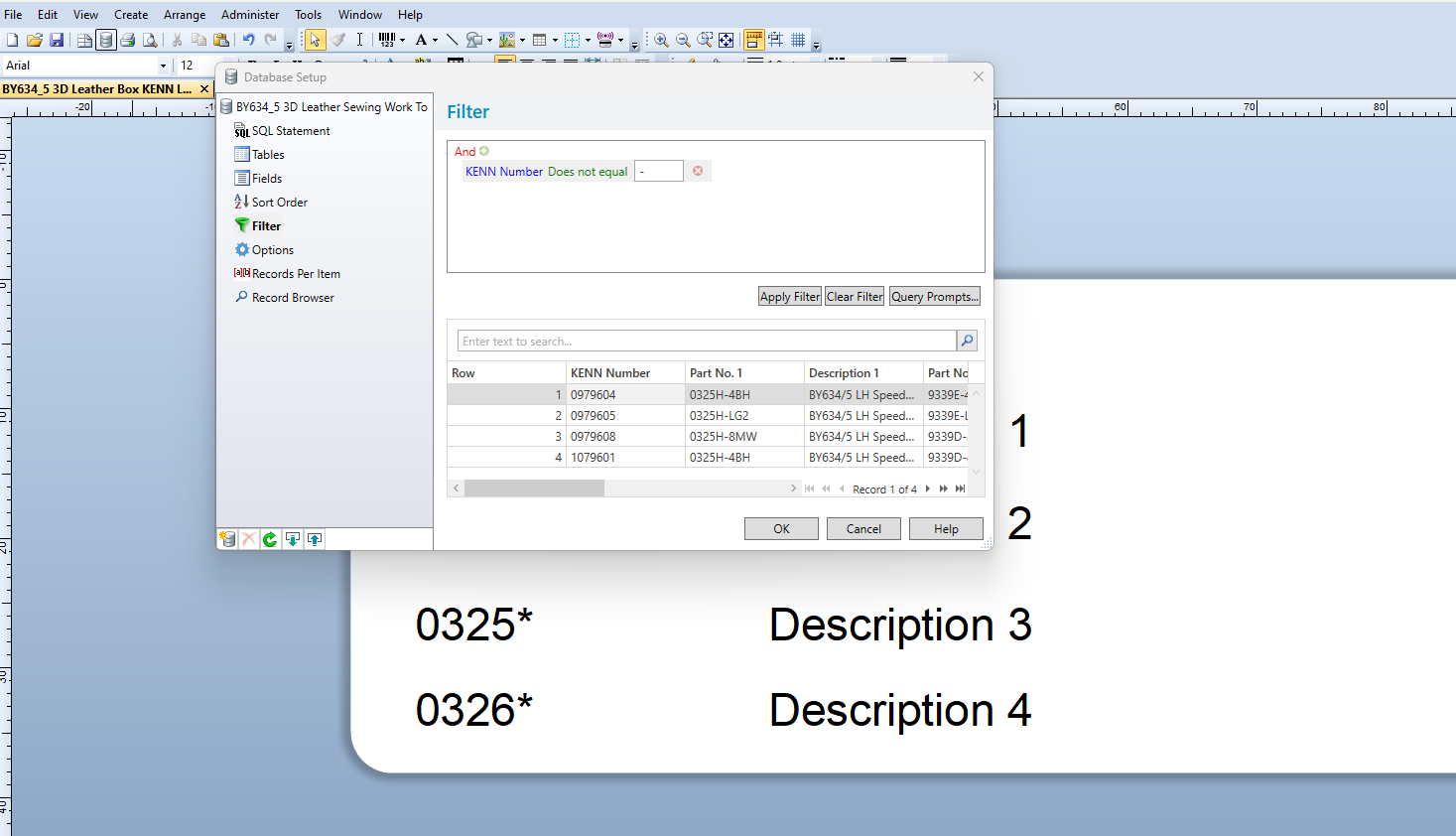
Record browser shows the records:
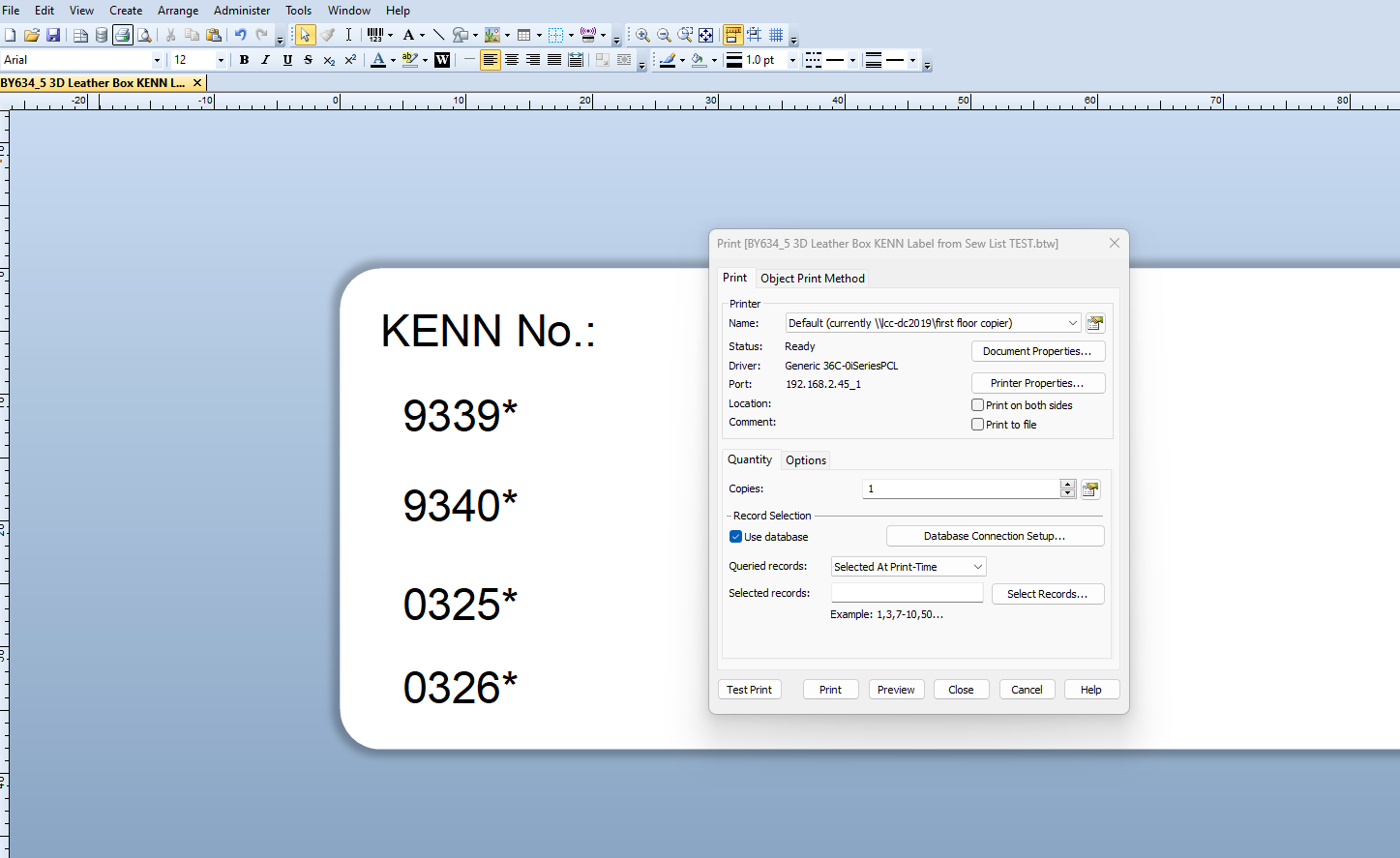
Print set-up with Selected at Print Time:
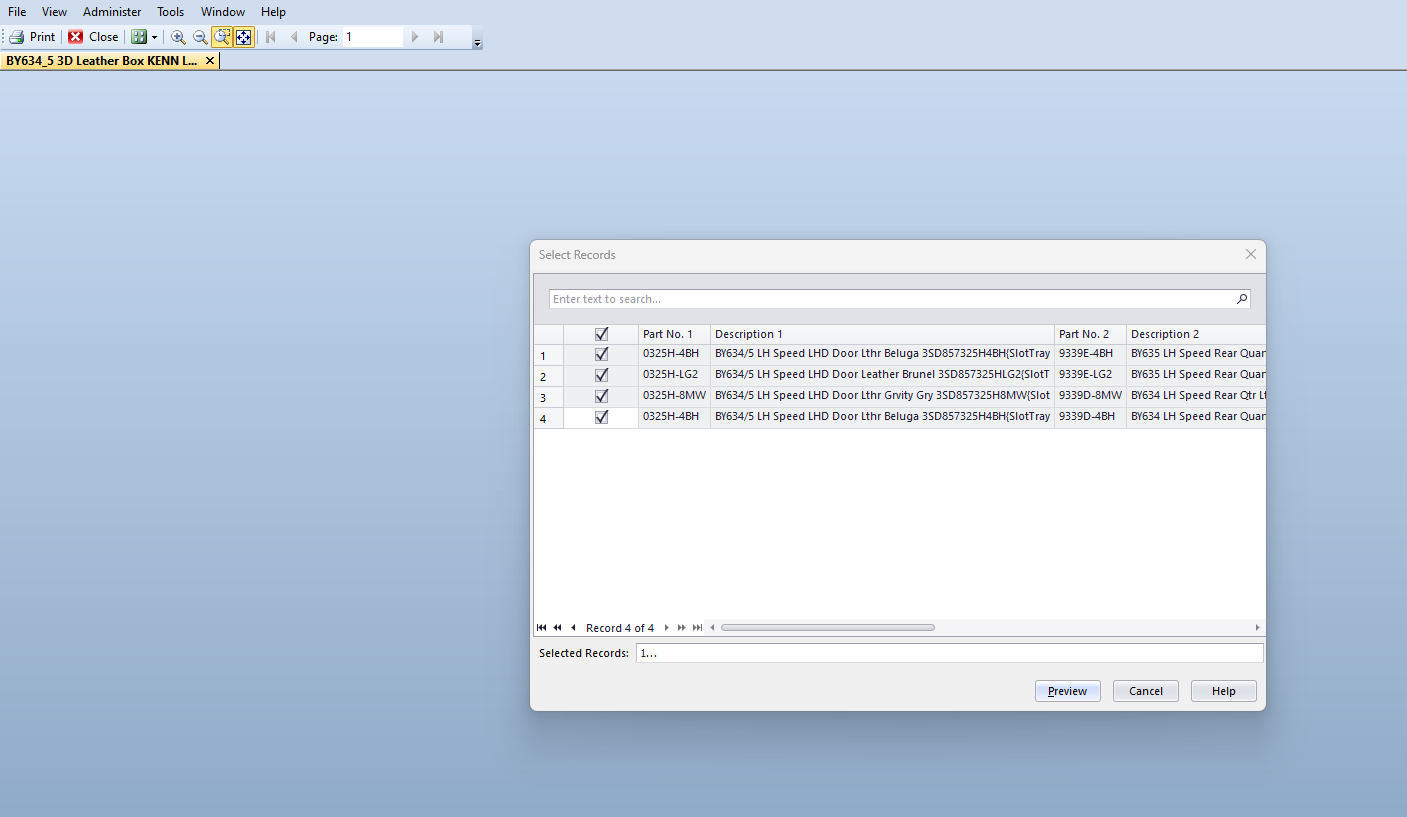
The selection box then comes up when you click to print preview:
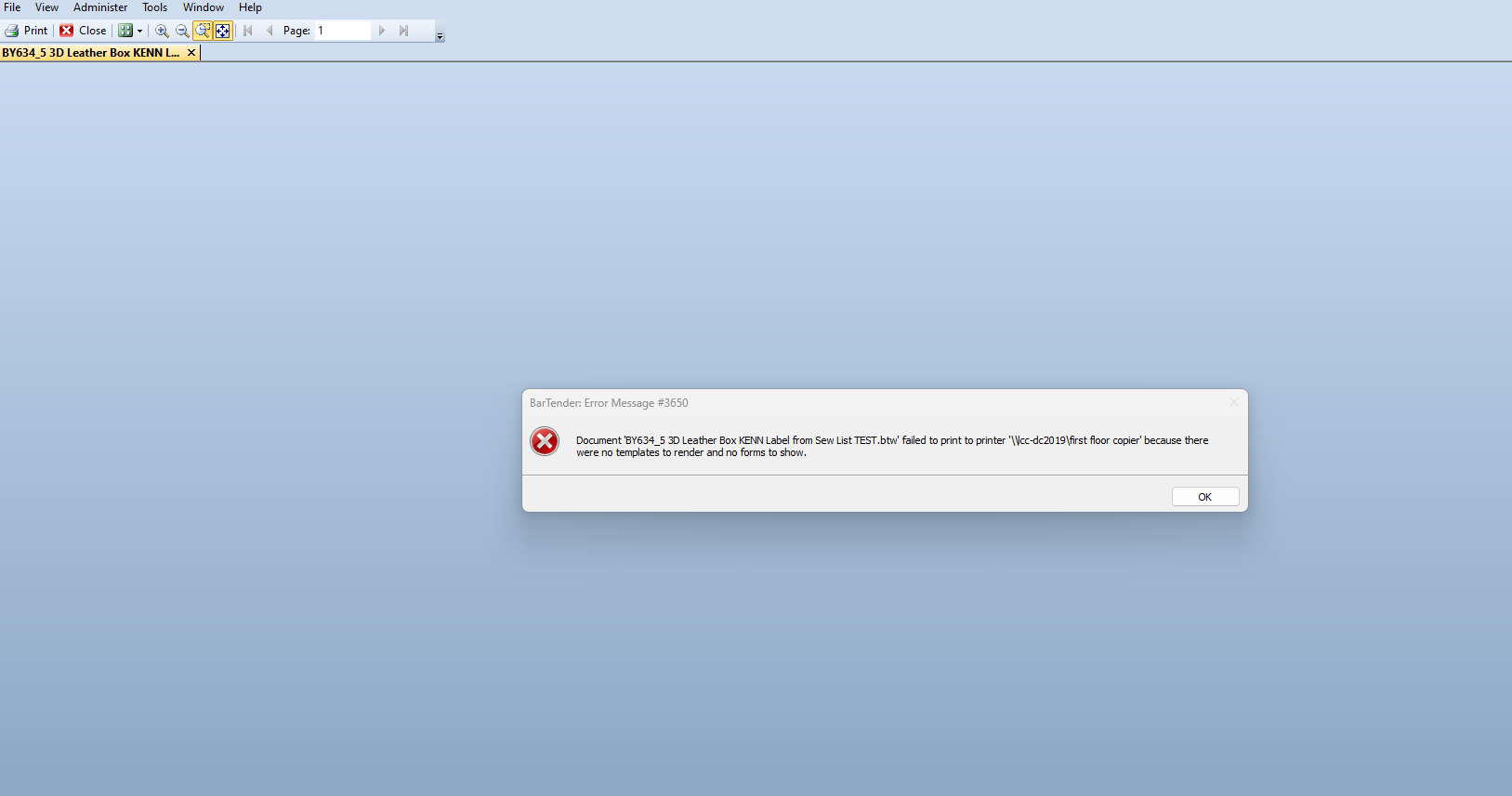
Then I click preview and get this error:
 0
0 -
I take it you have linked the label fields to the appropriate fields in the database?
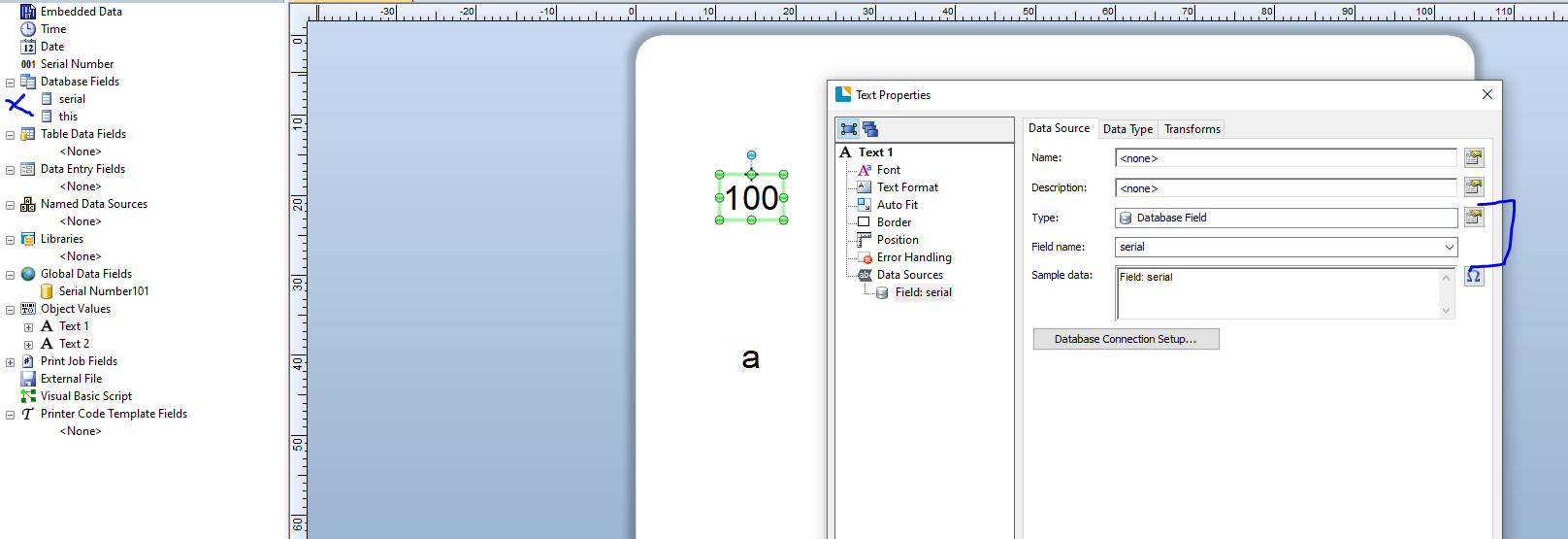 0
0 -
Hi Peter,
Yes all linked:
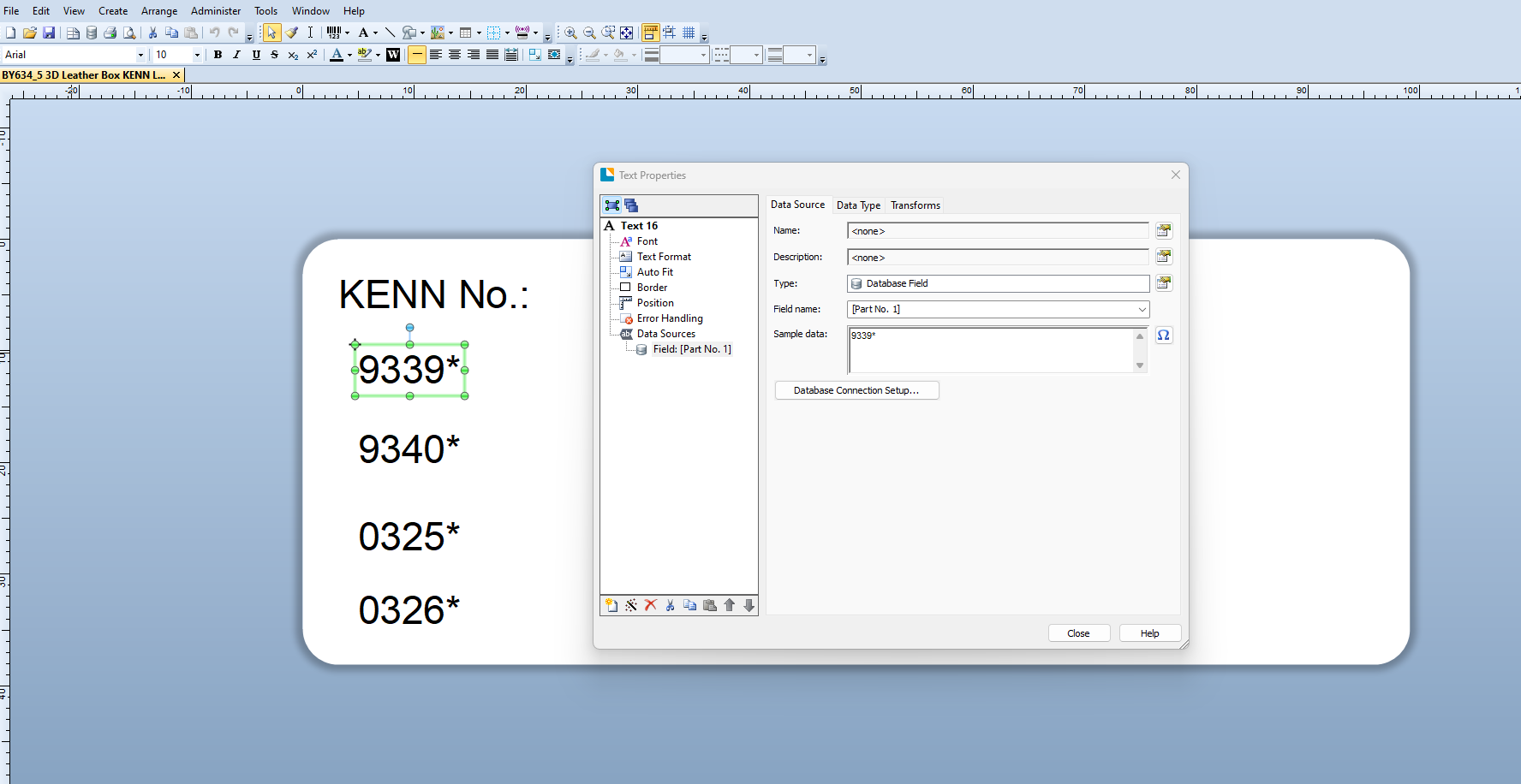 0
0 -
I would suggest trying going back a few steps.
Create a new label and before adding any fields, link it to your database using the default settings.
Make sure that the View>Toolbox>Data Sources is enabled and drag one of the database fields from there on to the label and run a Print Preview to see that the information is coming through okay.
0 -
Hi Peter,
That worked perfectly thank you!
Now working with no issues.
Thanks again,
Jenna
0

Bitte melden Sie sich an, um einen Kommentar zu hinterlassen.
Kommentare
6 Kommentare