Color code for "None" or "Transperant"

Need Color code for "None" or "Transperant"
-
Hello Sheikh Sirajul Islam Joni,
Welcome to the BarTender Community Forums!
In BarTender Designer, the color code for "None" or "Transparent" can be represented using RGBA values. The RGBA color model stands for Red, Green, Blue, and Alpha (transparency) values.To achieve transparency, you can set the Alpha value to 0, while the Red, Green, and Blue values can be set to any desired value.
Here's an example of a transparent color code using RGBA:
- RGBA(0, 0, 0, 0)
In this example, the Red, Green, and Blue values are all set to 0, representing black, while the Alpha value is set to 0, indicating full transparency.
Please note that the implementation of transparency may vary depending on the specific version and configuration of BarTender Designer you are using. It's always recommended to consult our Knowledge Base and articles for more information. We believe our article on Using Colors in BarTender should prove useful to you.
Let us know if there is anything else we can do you for.0 -
Is it possible to use RGBA color in below version? I can't find RGBA color mode. please help to find & apply it.
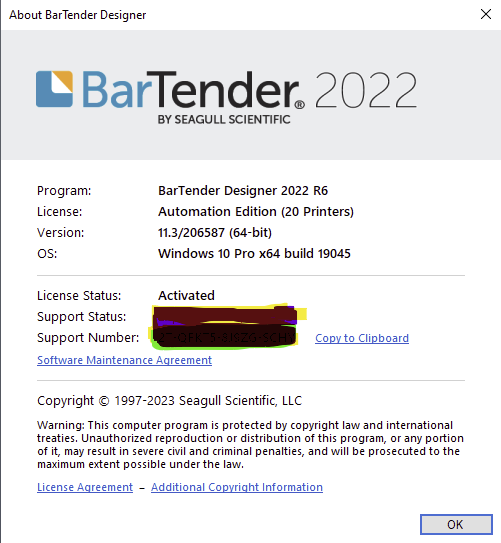 0
0

Bitte melden Sie sich an, um einen Kommentar zu hinterlassen.
Kommentare
2 Kommentare