Adding two Data Entry Form Field Numbers

Hello, I have two data entry fields - both defined as numbers - that I am trying to add together to display on a label. The resulting value is also defined as a number. I am referencing a recent post about an identical problem here: https://support.seagullscientific.com/hc/en-us/community/posts/1500000455562-Data-Entry-Calculation-using-VB-script
On the VB of the output value I am using OnAutoSelectedEvent to initialize the value:
Value = 0

I am then using OnPostPrompt to assign the first value and then add the second value:
Value = Format.NamedSubStrings("GrossWeight").Value
Value = Value + Format.NamedSubStrings("TareWeight").Value
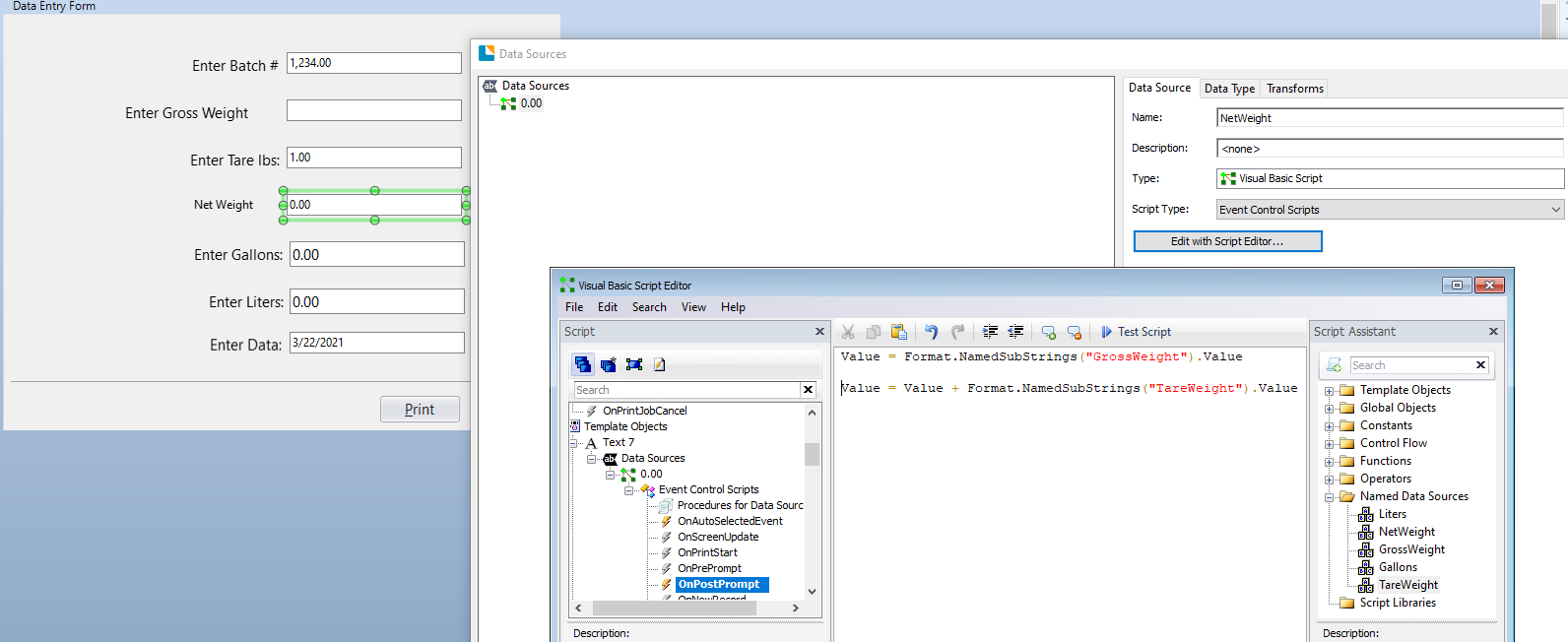
This method produces a blank result on the printed label.
If I only assign the first value however, it works perfectly, displaying the GrosWeight value:
Value = Format.NamedSubStrings("GrossWeight").Value
Alternatively, if I only assign the TareWeight, it also works.
It seems the problem occurs when adding the second value to the first. As far as I can tell, I'm following the example in the above-mentioned post exactly (the only difference... I am adding instead of multiplying). Can someone tell what I might be doing wrong here?
-
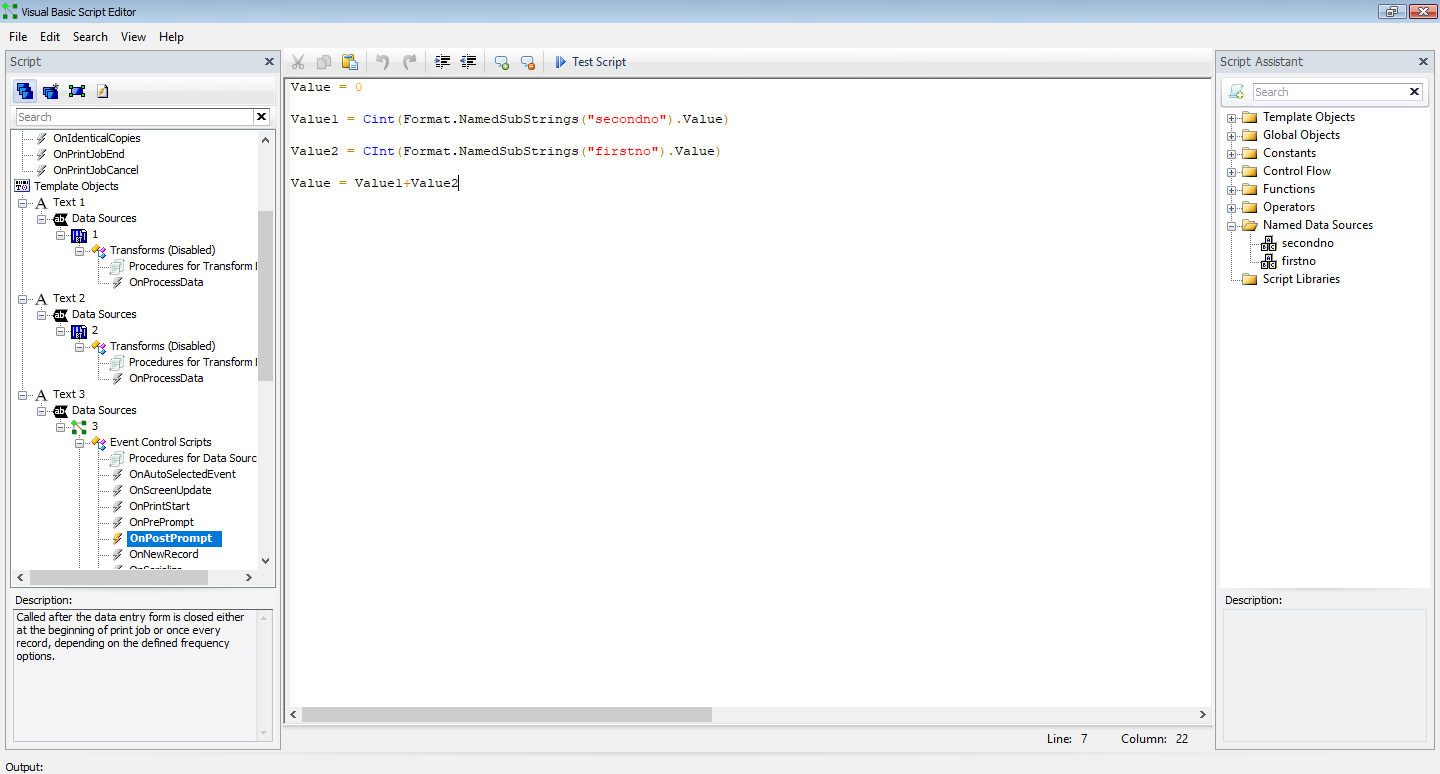
As you are adding you need to tell the VB that the values will be integers and so you need to add the CInt command to the two variables such as
Value = 0
Value1 = Cint(Format.NamedSubStrings("secondno").Value)
Value2 = CInt(Format.NamedSubStrings("firstno").Value)
Value = Value1+Value2
 0
0 -
Update:
I've tried simplifying my script - instead of Event Control, I'm using Single-Line Expression. The result is the same but lets me know it's the addition of the two values that is problematic - not the Script Type I'm using.
I can display the value os GrossWeight: Format.NamedSubStrings("GrossWeight").Value
I can display the value of TareWeight: Format.NamedSubStrings("TareWeight").Value
I can even add a number to either one of these: Format.NamedSubStrings("GrossWeight").Value + 5
But, I cannot add the two together. This results in a NULL result: Format.NamedSubStrings("GrossWeight").Value + Format.NamedSubStrings("TareWeight").Value
0 -
More findings:
When I perform any other arithmetic on these variables other than addition, it works properly. Addition treats it as a string instead.
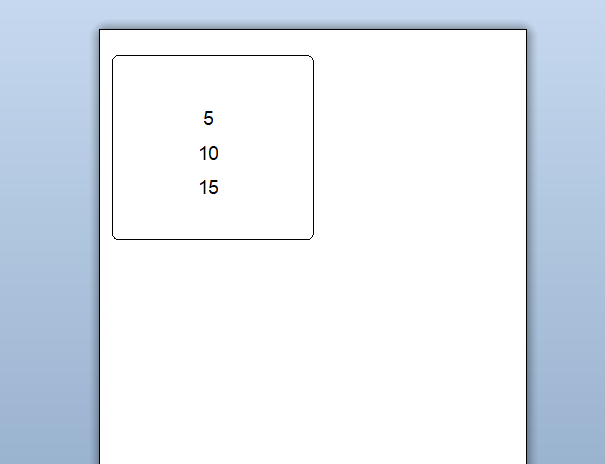
GrossWeight = 10
TareWeight = 5Format.NamedSubStrings("Gross-Weight").Value - Format.NamedSubStrings("TareWeight").Value
RESULT: 5Format.NamedSubStrings("Gross-Weight").Value * Format.NamedSubStrings("TareWeight").Value
RESULT: 50Format.NamedSubStrings("Gross-Weight").Value + Format.NamedSubStrings("TareWeight").Value
RESULT: 1050 -
Did these cross with my CInt message above as that should work?
You will need to use Event Controlled Scripts to add up the values that have been added on via a Data Entry Form.
0

Bitte melden Sie sich an, um einen Kommentar zu hinterlassen.
Kommentare
4 Kommentare