Create a spreadsheet/table on a template

Hi everyone!
It's me again. =) Last time you have helped me a lot, so I hope you'll help again.
The promlem is impossibility of creating a spreadsheet/table/grid on a label except for using lines.

I need to create a spreadsheet/table/grid on a template and fill it in with data. Next picture shows what I want to have at the end:
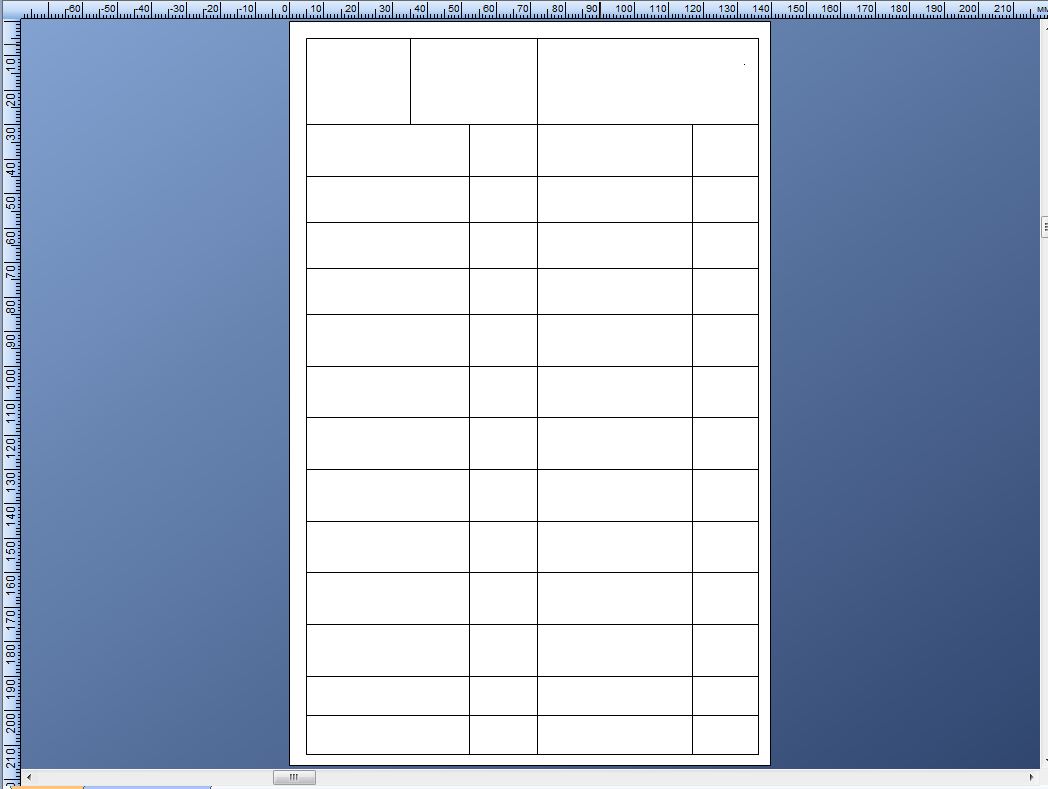
This one I drew using lines,
Is this possible to create a shreedsheat using another functions? I'm kind of hope that, maybe there is a possibility to connect a DB (Excel for example) and create table.
I hope you'll understand my need and wiil help me.
Thank you in advance
-

Shotaro Ito
★ BarTender Hero ★
There's table function in Word Processor text (From BarTender 10.0) - although it doesn't connect to whole DB table. You can connect each cells to a database field (ex: you have 12x4 cells and connect to 48 fields)
https://support.seagullscientific.com/hc/en-us/articles/205408707-Word-processor-objectsAnother thought is Enable Page Template in Page setup (From BarTender 10.1).
Create a thin template and place many copies on a page (such as 12 labels on a page).
http://forums.seagullscientific.com/index.php?/topic/3999-display-multi-records-on-a-single-page/If you need to stick with lines, you have duplicate object command to in right click object > Arrange. (From BarTender 2016)
0 -
Thank you for the quick reply.
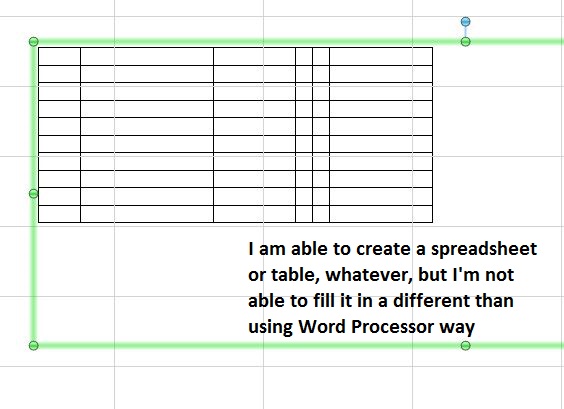
Your first suggestion is good enough, but it doesn't match my needs. Yes, I could create a table using Word Processor, but the problem is that I would have fill all table in this processor by myself. What is the difference between filling regular .doc-format file with information instead of using BarTender Word Processor for these needs. I mean it's much harder to achieve than just use Microsoft Word or Excel.
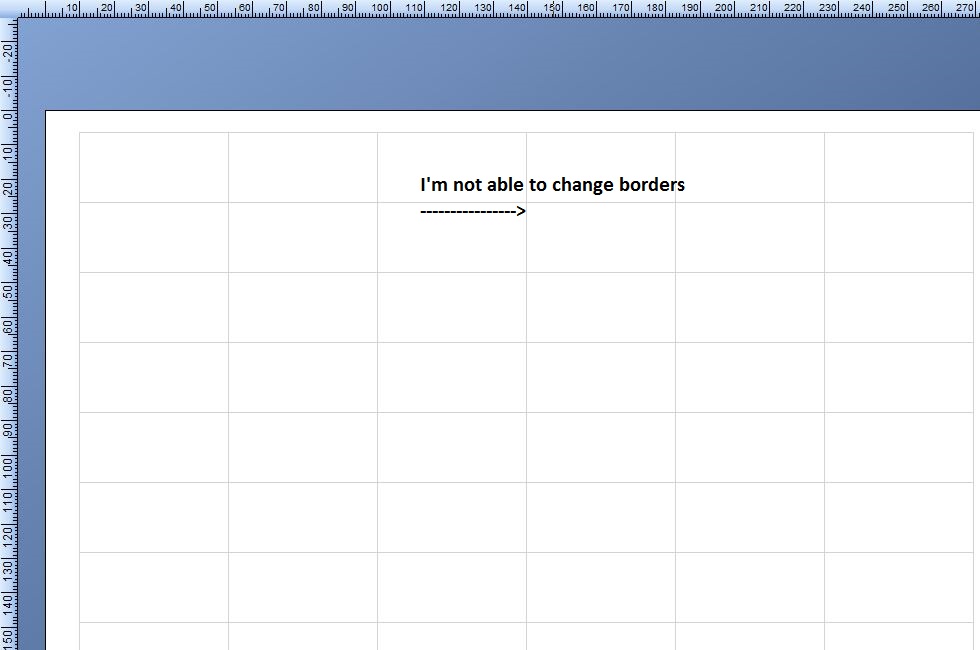
The second suggestion is also good, but again - it's way different from what I want to have at the end. I could create similitude of a spreadsheet/table using Page Setups, but what do I get? I mean, yeah, it looks like a spreadsheet/table, but I can't change borders, and I can barely fill it in with information I need. It would have taken much more time than just creating an Excel or Word document.
And yes, I do have BarTender 10,1 SP1, so the third variant I couldn't even try.
Thank you anyway.
Hope you'll fix this problem in future.
0 -
Shotaro Ito
★ BarTender Hero ★
Thank you for trying.
Basically, Current BarTender's not suitable for your needs - it doesn't have MS Access-like multiple records report feature.
That's not big difference in Ver 2016.Word processor object cannot pull multiple record data.
For Page template, you cannot create horizontal cells for each field. What you can create is small piece of label with each record.
ex: create 10 rows of 3 fields
1. Page setup > Page tab, enable Page Template. On Layout tab, change to 10 rows and 1 column.
2. on Template 1 , you would have thin template. place 3 fields (fname, lname, dob etc)
3. on Template 1, place some vertical lines to mock borders. Place horizontal lines to the top and the bottom of the template.Note that you cannot place SUM (total) of field value on the page / page template.
0
Bitte melden Sie sich an, um einen Kommentar zu hinterlassen.
Kommentare
3 Kommentare